How to Edit Ad Copy?
The ad copy is the ad text at the top of your ads. To know how to edit this ad text, you only need to follow this article.
Case 1: Editing Copy in Active Campaigns
Sometimes, you need to edit your ad copy after you've launched your campaign. If this is your case, you only need to follow these steps:
-
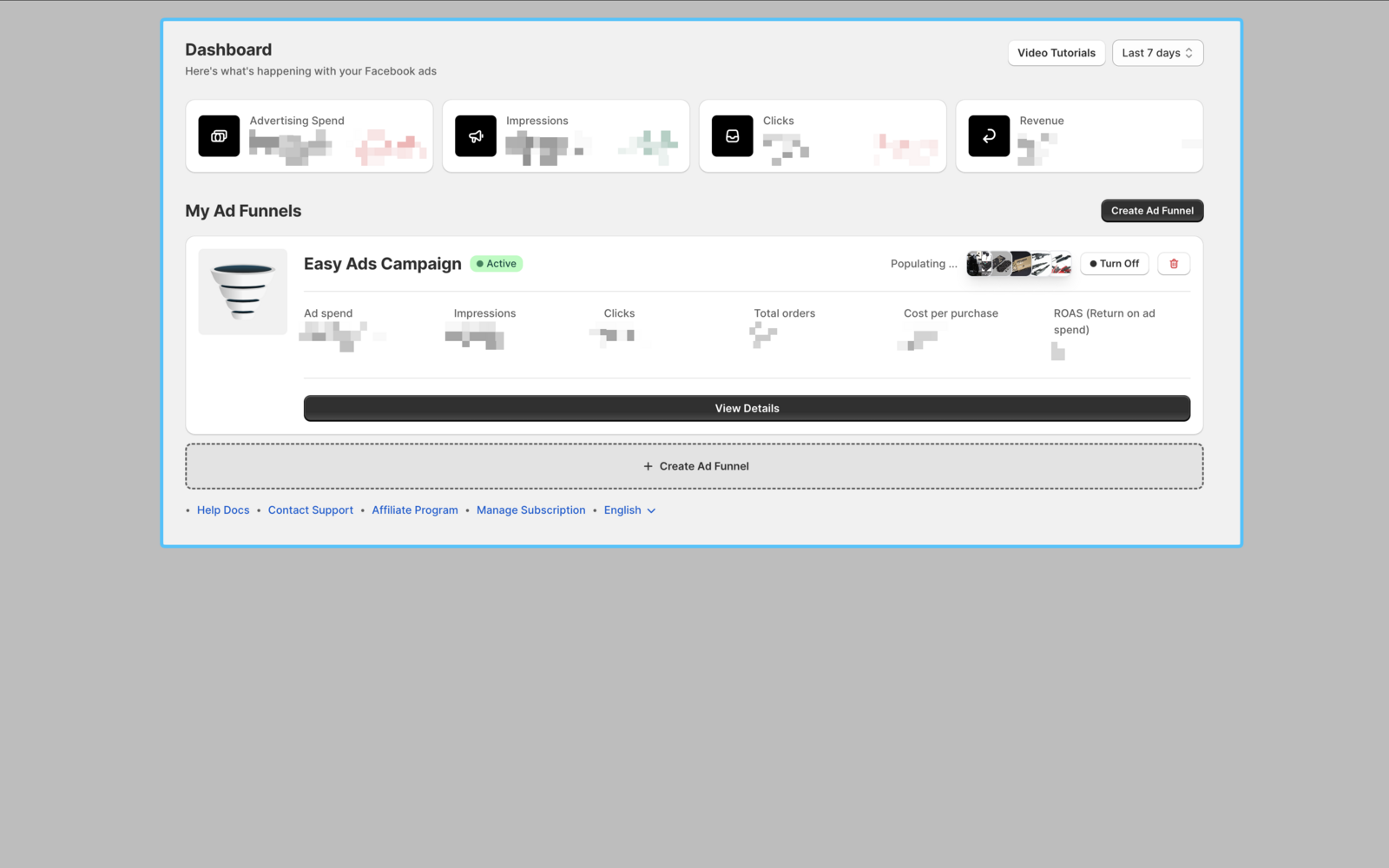
Open your Easy Ads app.
-
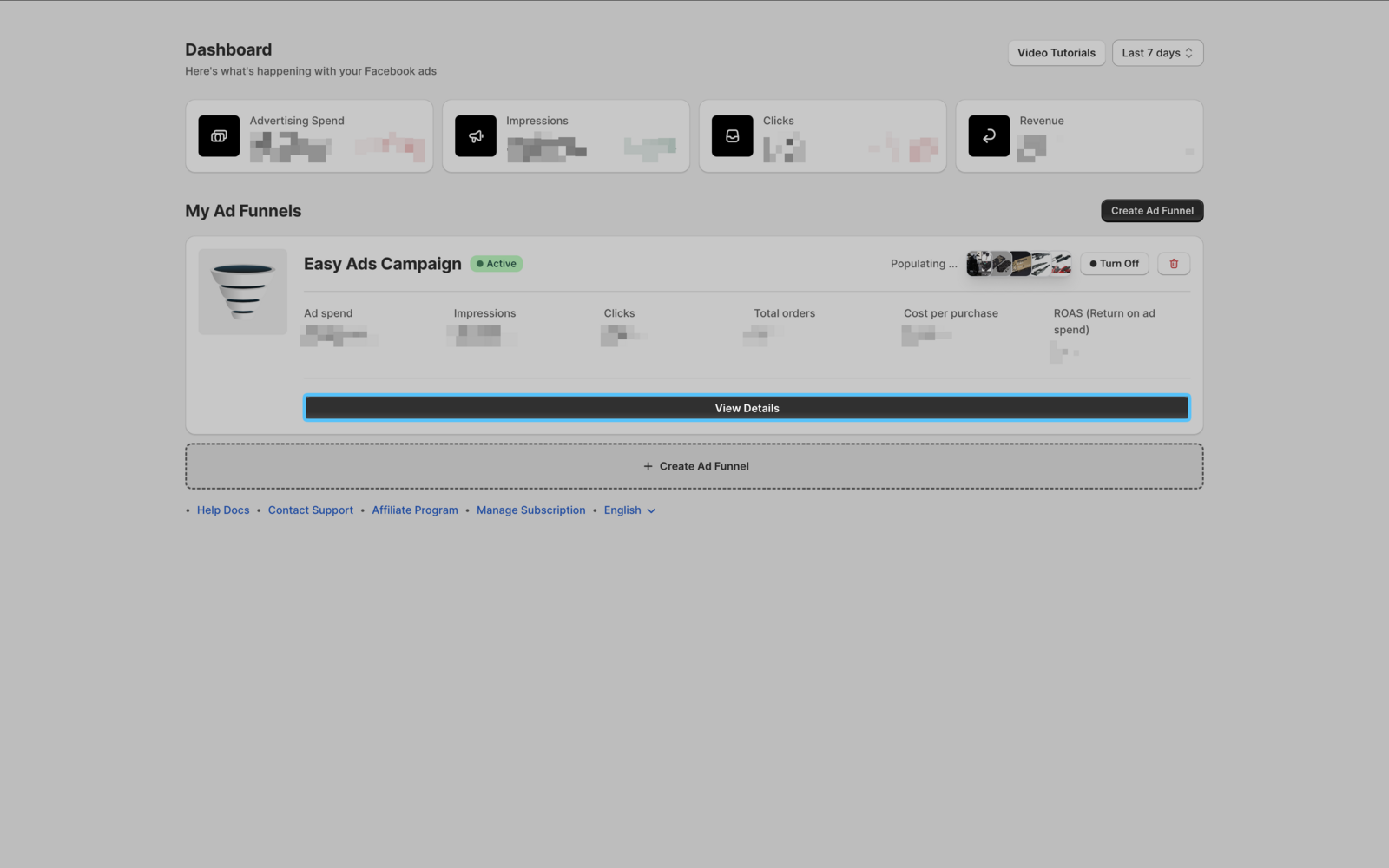
Click View details.
-
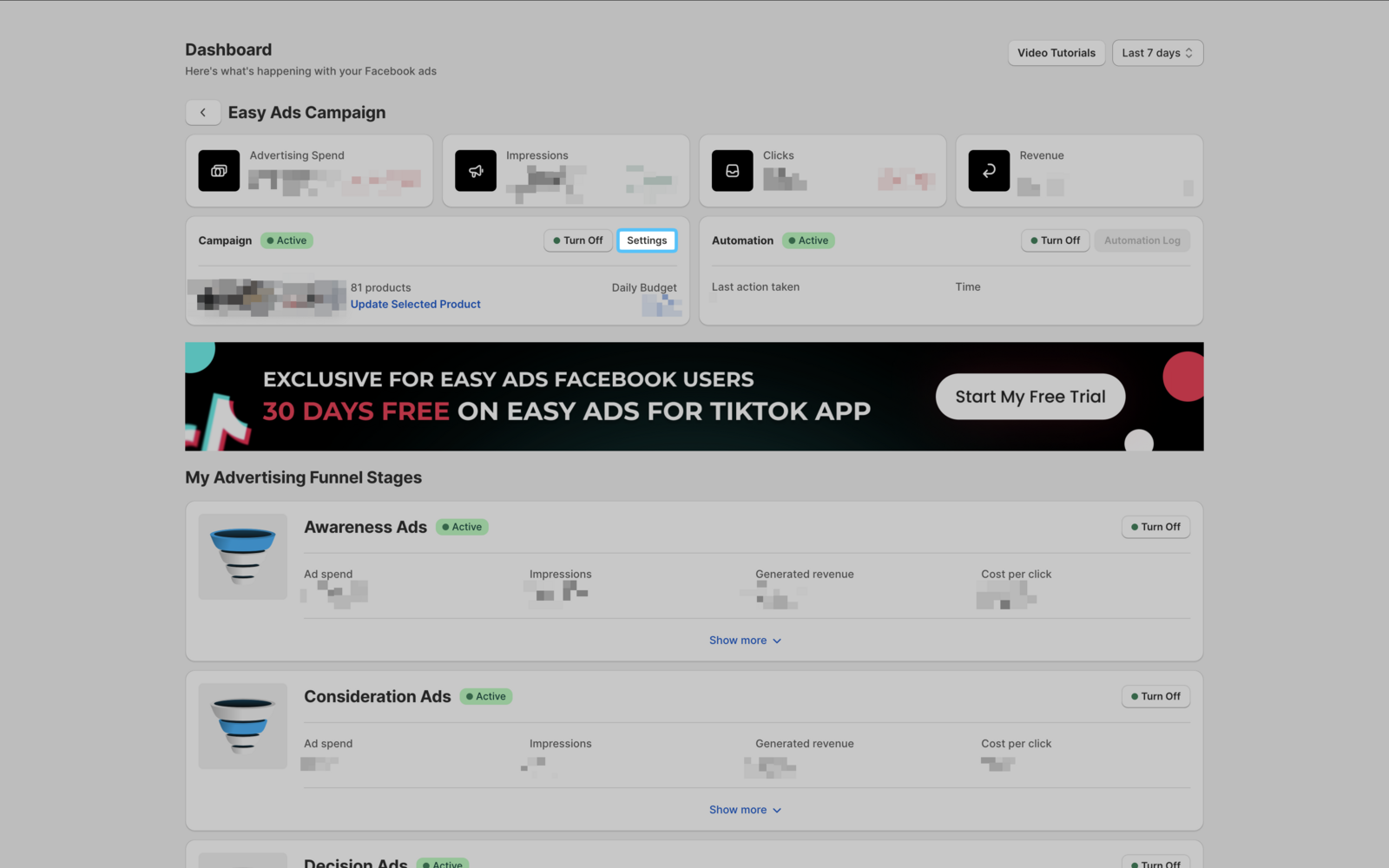
Click Settings.
-
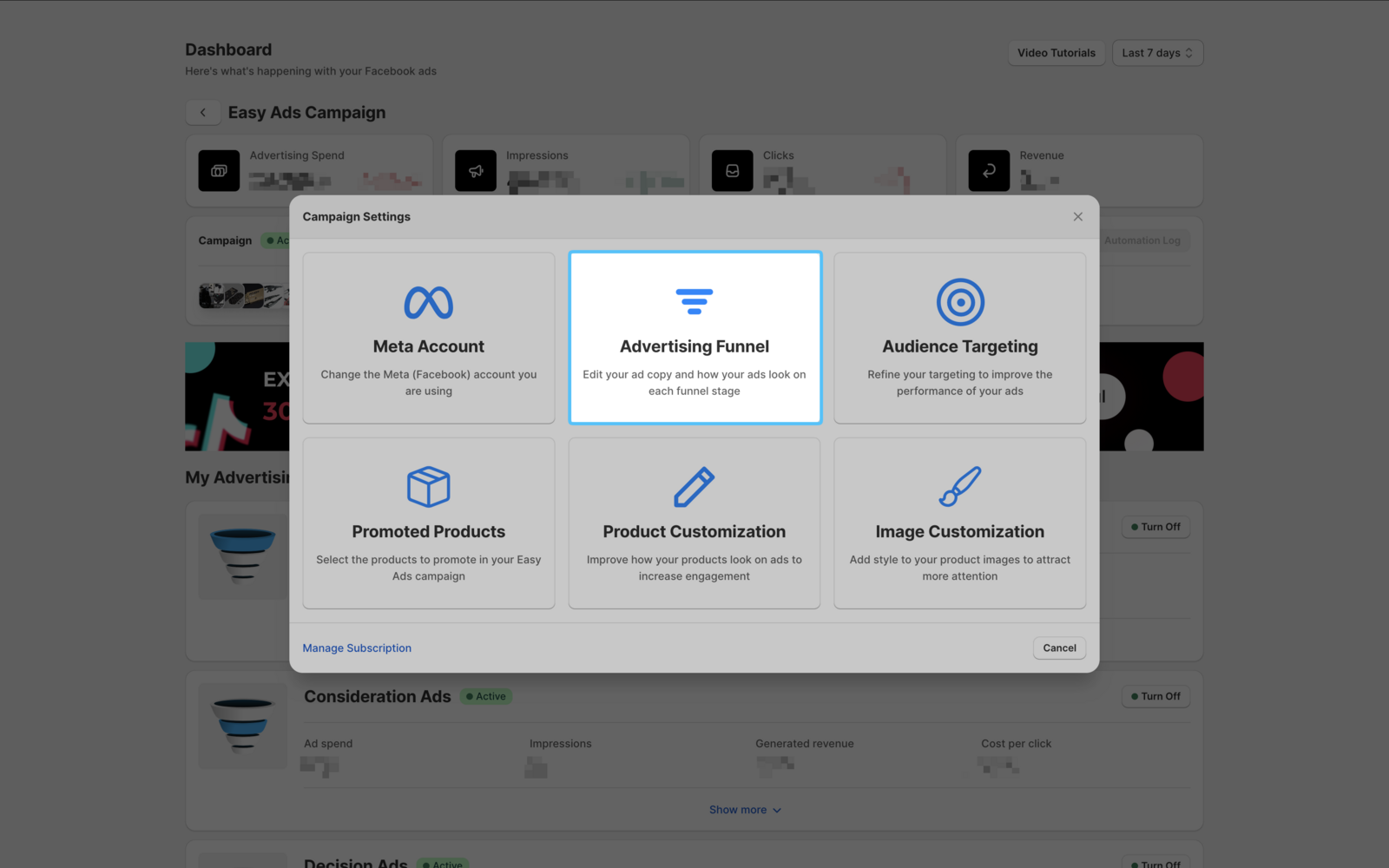
Click Advertising Funnel.
-
Scroll down and edit the text there.
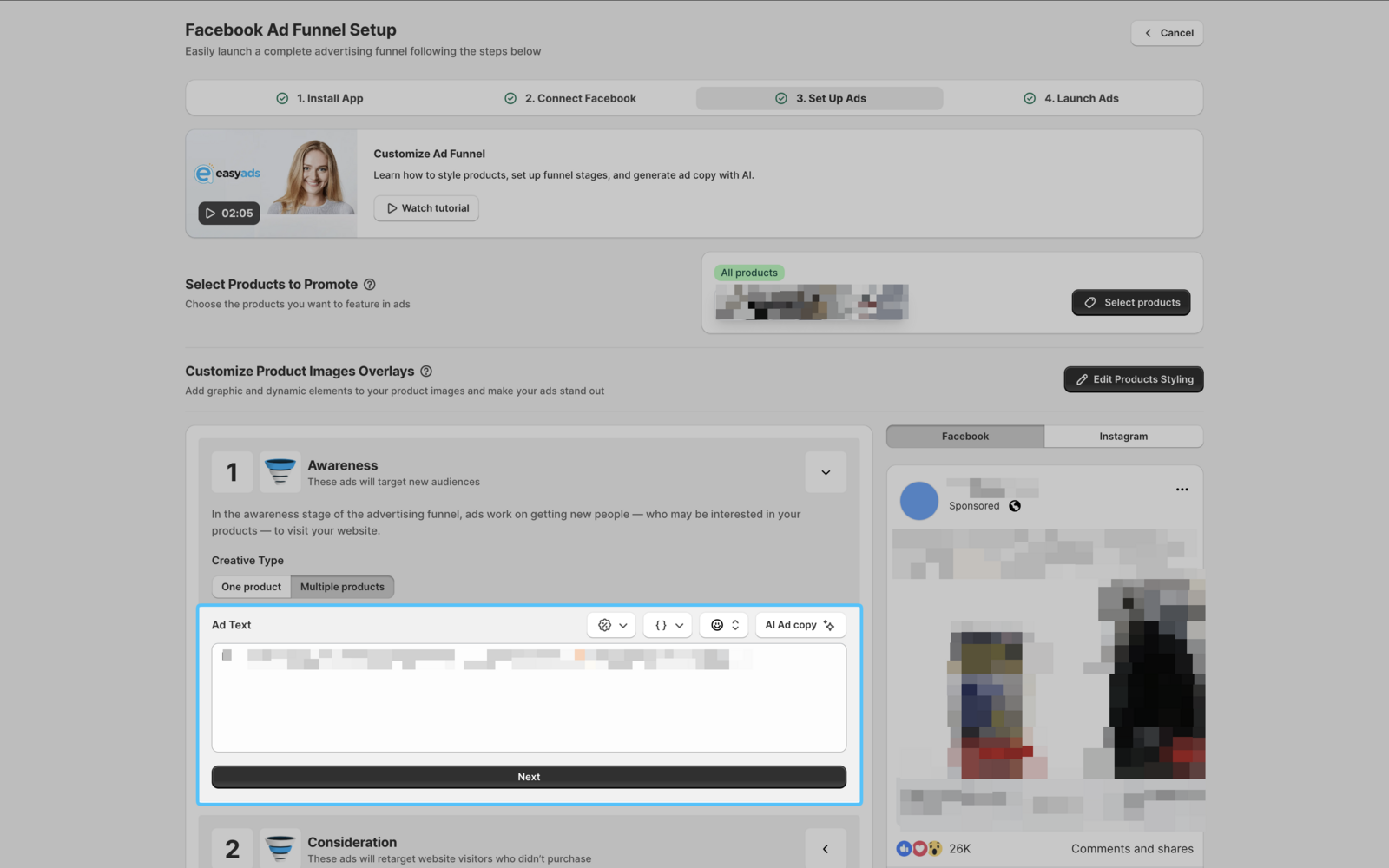
-
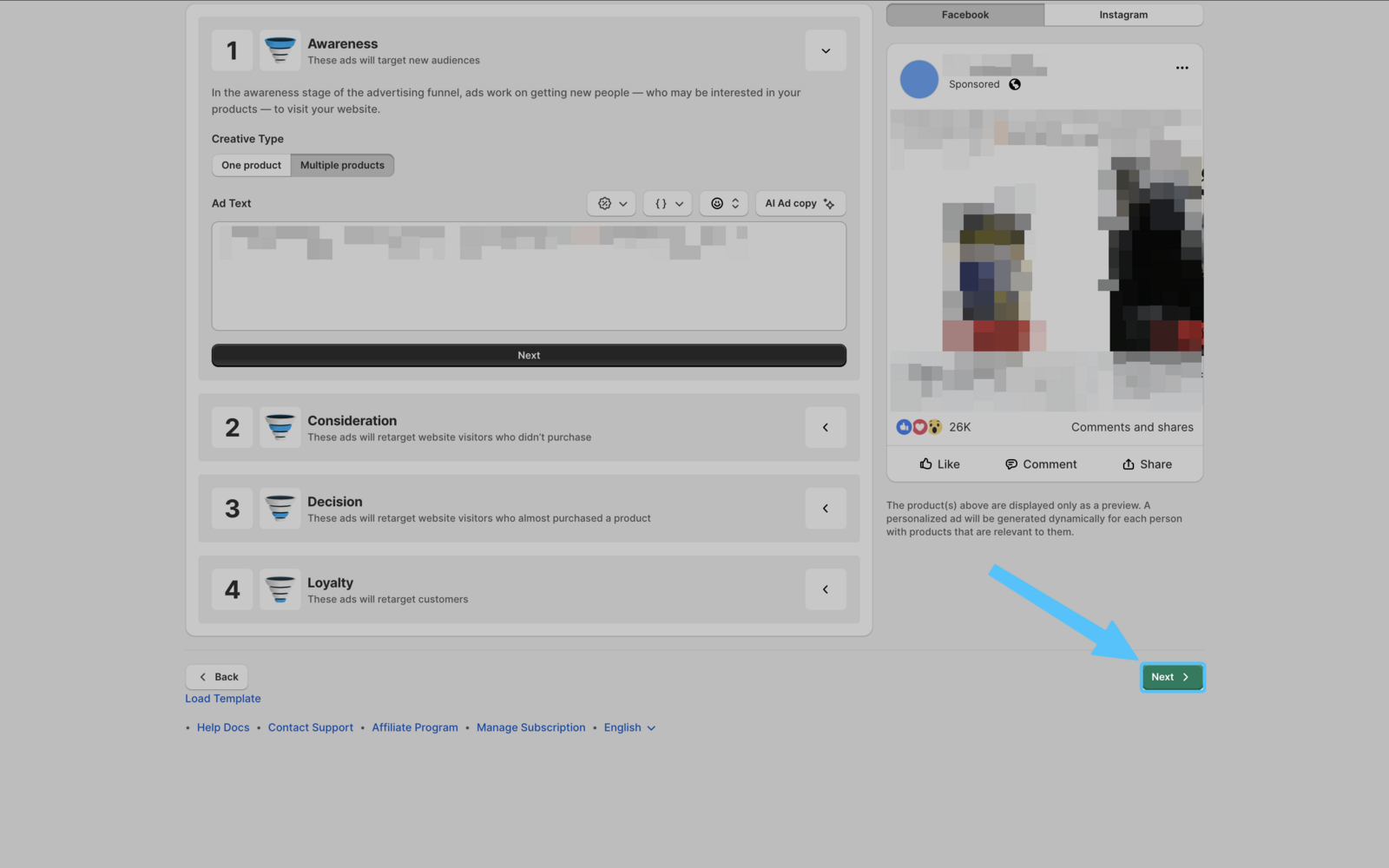
Click **Next **and then click **Update Ads **button.
Case 2: Editing Copy in Draft Campaigns
If you want to edit your ad copy but you still didn't launch your ads, then this section is for you.
You only need to open Easy Ads. Connect your Facebook accounts needed in Step 1 and click Next. Then, you will be moved to the second step, there you can edit the ad copy.
If you encounter any issues, don't forget to reach out to us at: [email protected]. We would be happy to assist.