If you have previously launched a funnel with a seasonal frame or discount and you now want to change it, please follow the instructions below:
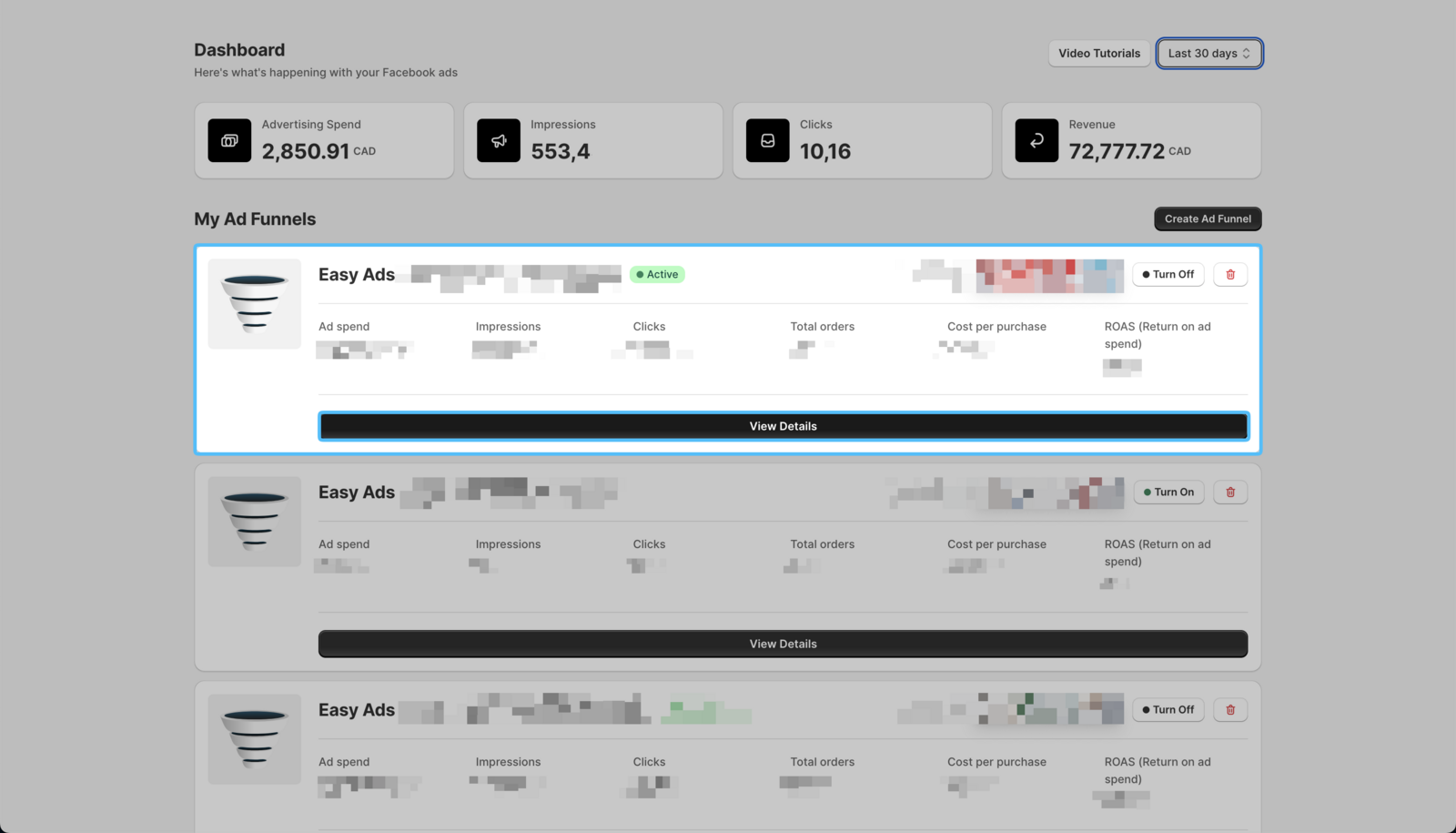
- Open the Easy Ads app, locate the campaign you want to change, and click View Details.
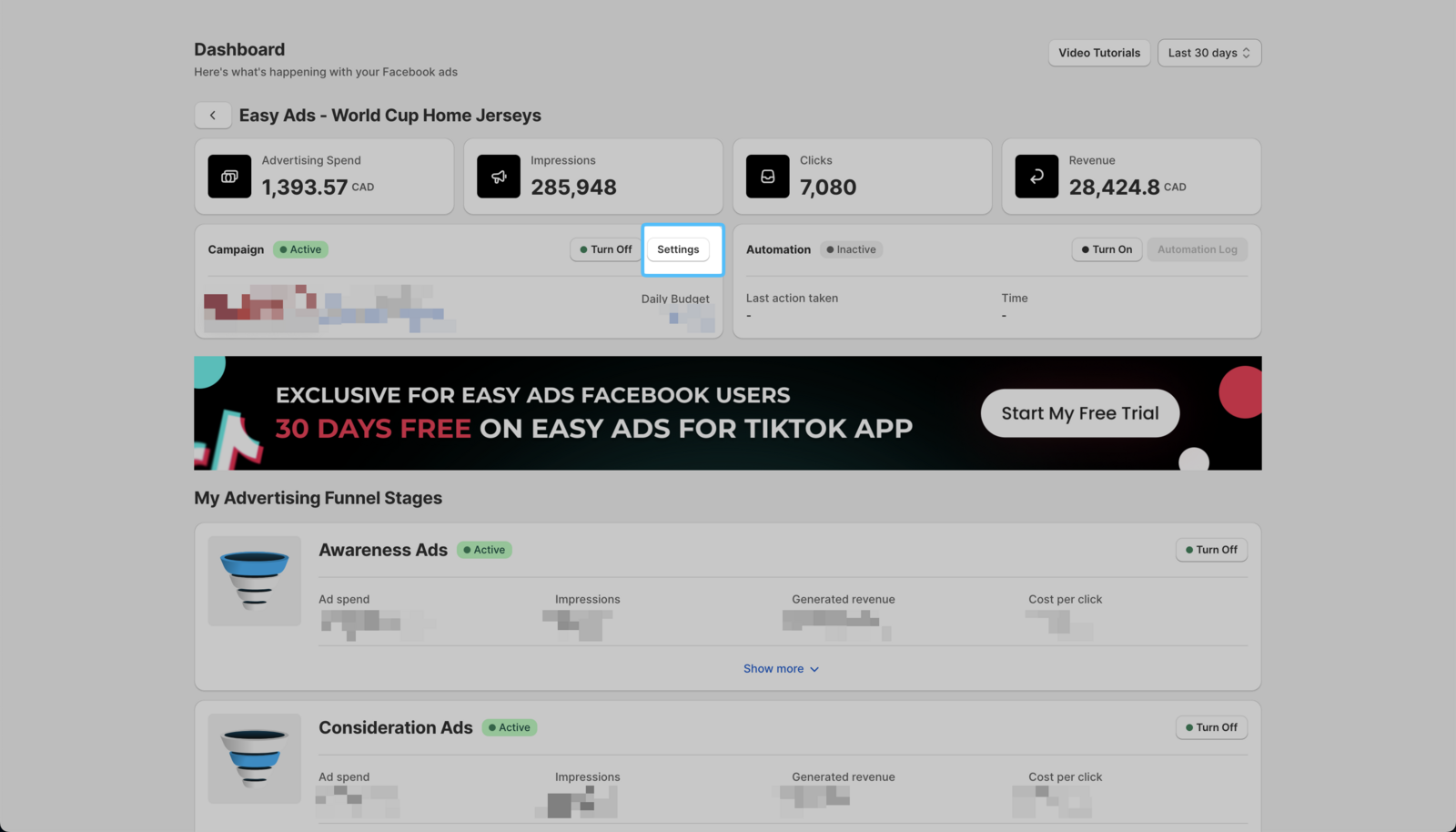
 2. Click on Settings.
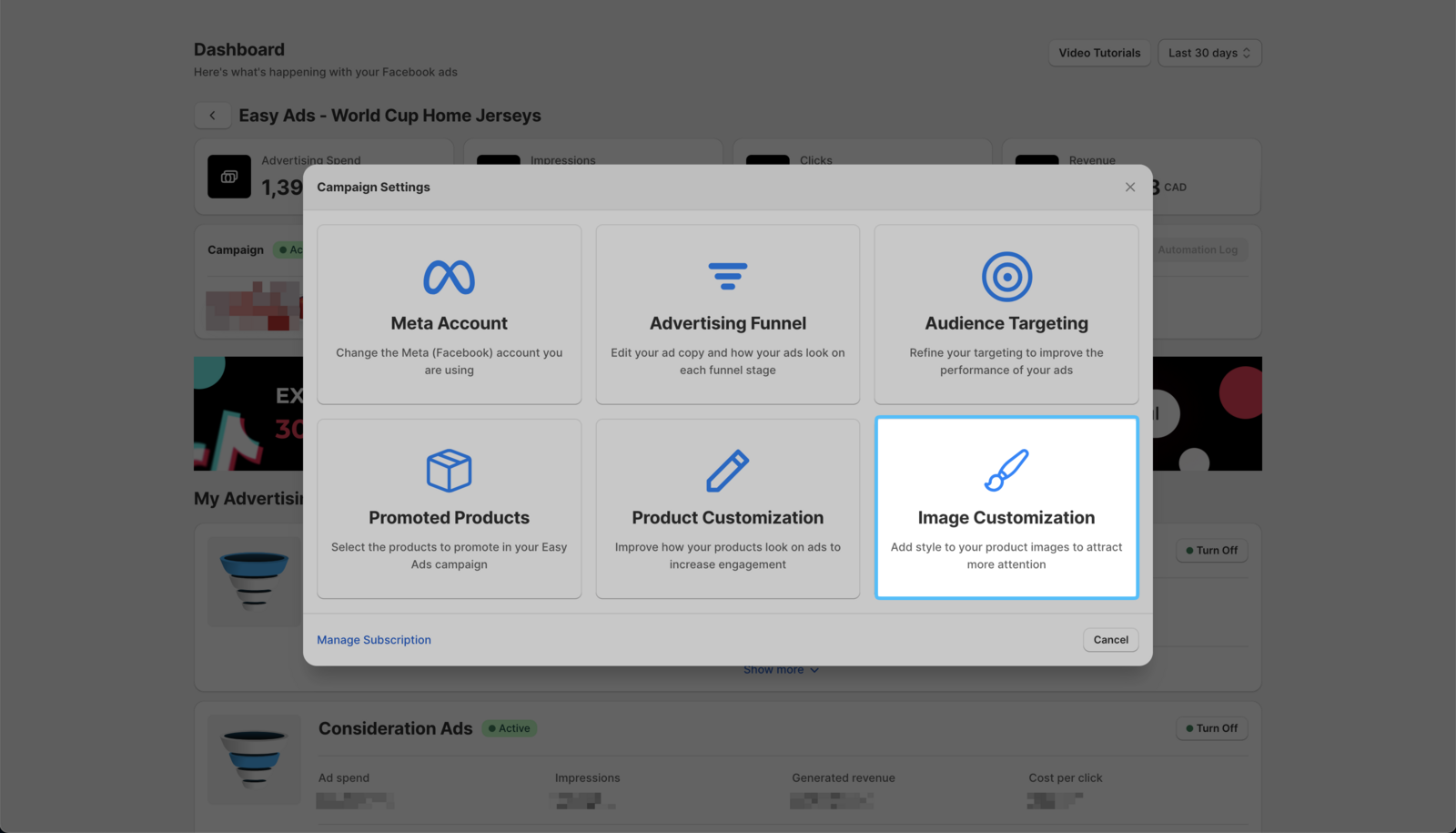
 3. Click on the Image Customization option.
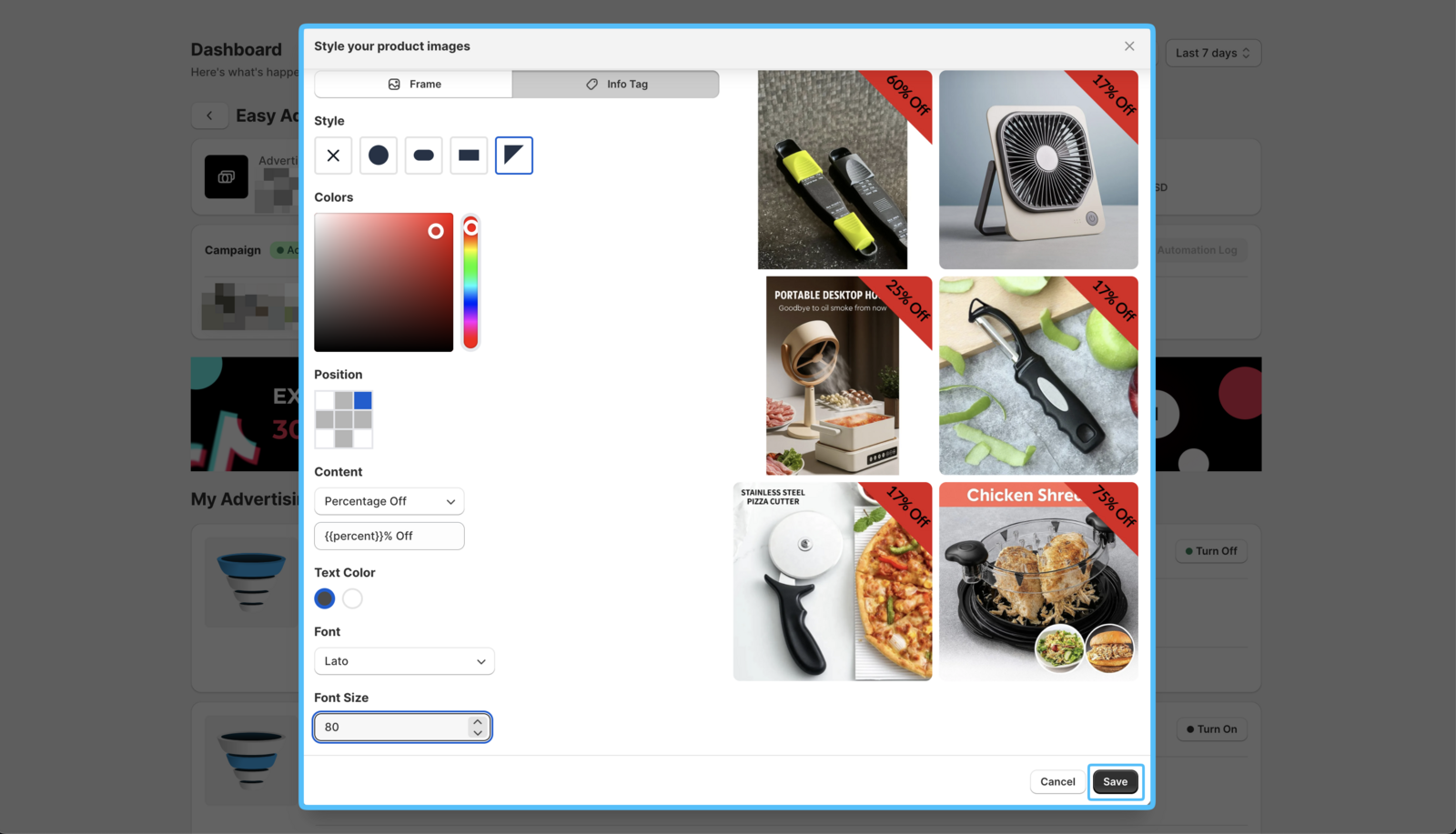
- Update the styling by changing frames and info tags.
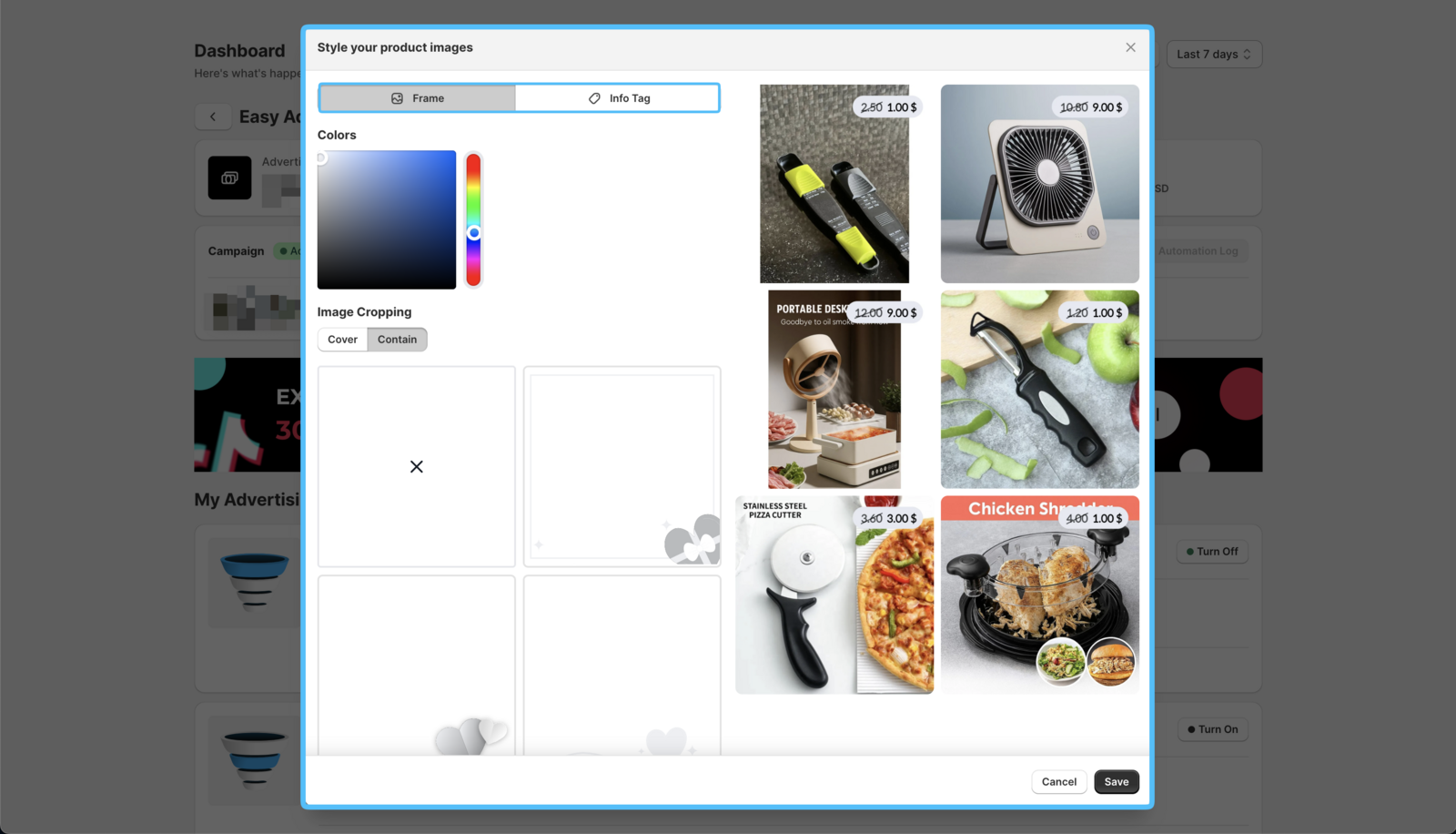
- Click on the Publish Changes button.
Your changes will be applied in the next hourly product feed sync.