In this guide, you'll learn how to update the maximum daily budget of the AI automation feature.
| The AI automation maximum daily budget is the maximum amount the AI can increase your daily budget to, and will not surpass the value you set.
After launching your ads, you will be able to edit your maximum daily budget. However, if you haven't launched your ads yet, you need to follow the creation process to set the maximum daily budget.
Steps:
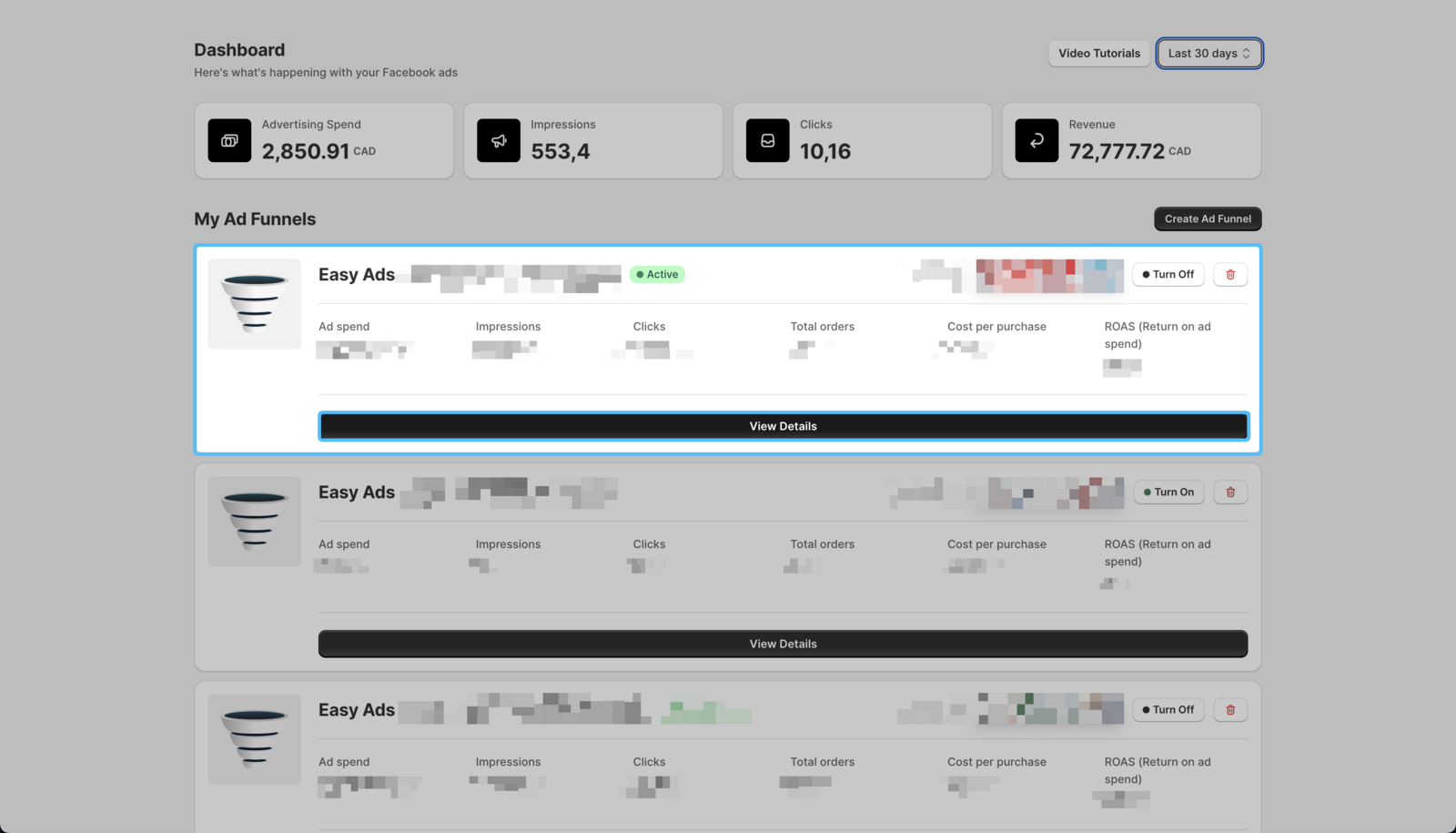
- On your Easy Ads for Facebook dashboard, locate the campaign that you want to edit, and click **View Details. **
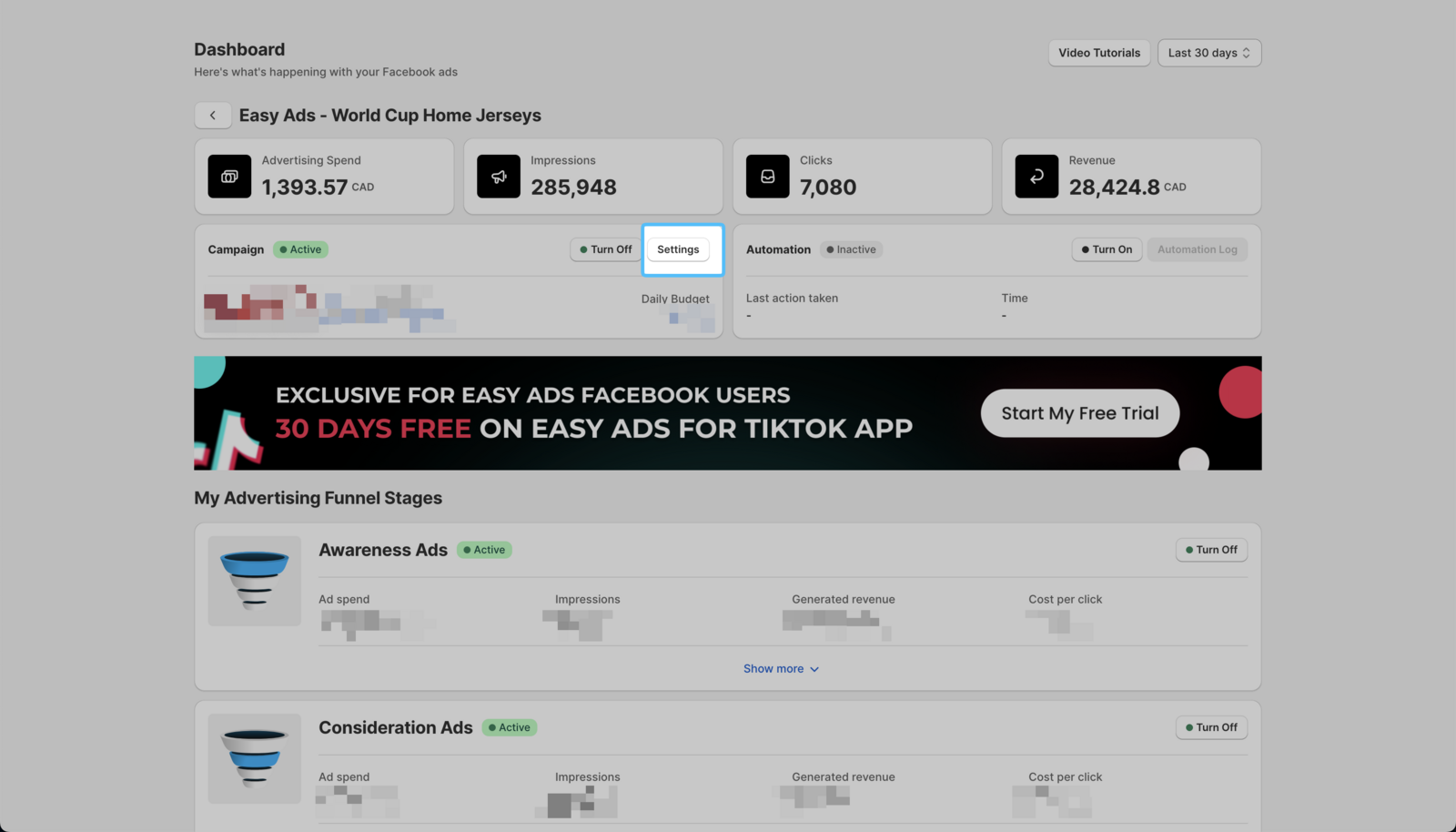
 2. Click on Settings.
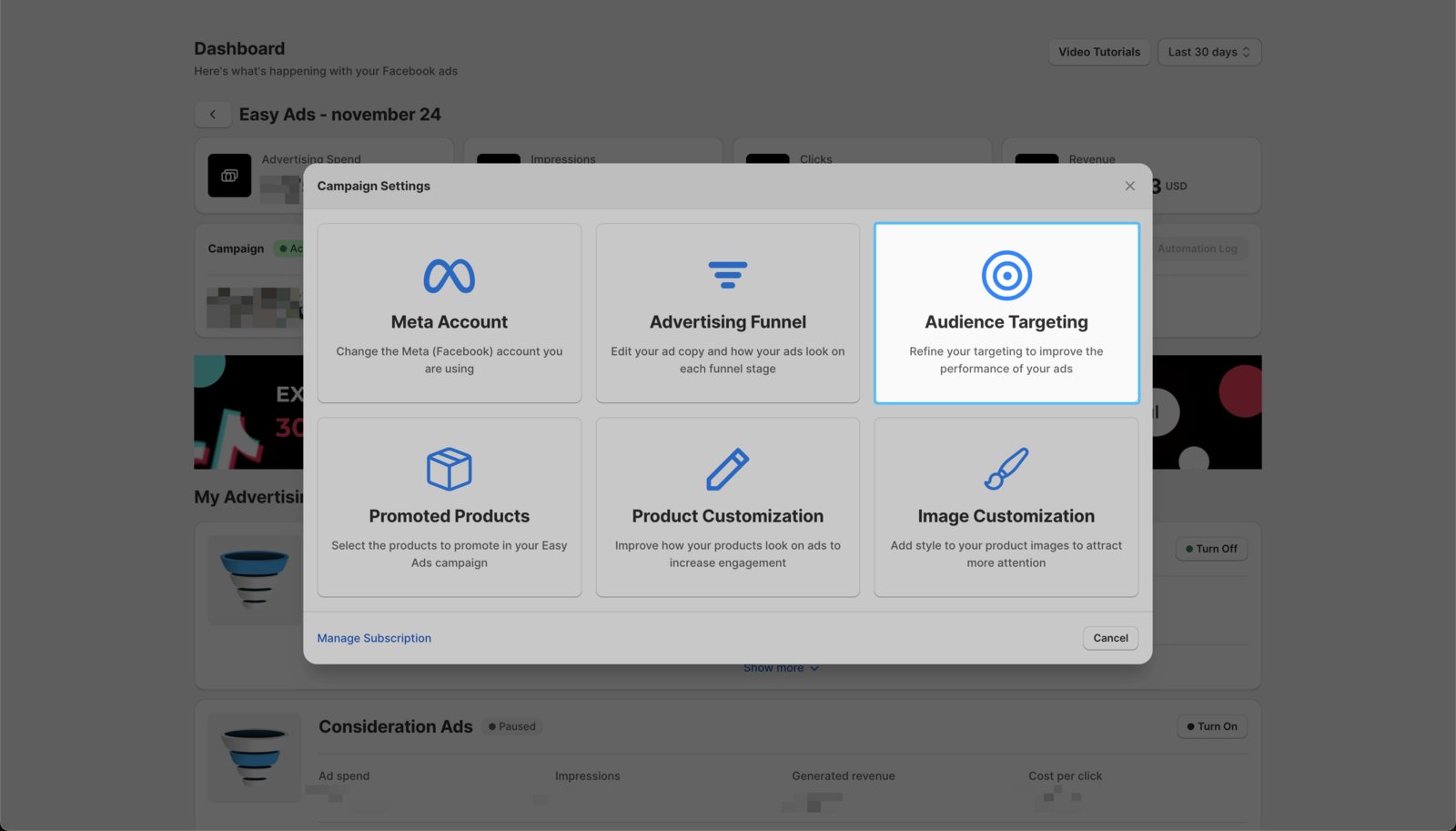
- Click on the Audience Targeting option.
- Scroll down, and update the maximum daily budget to the amount you'd like.
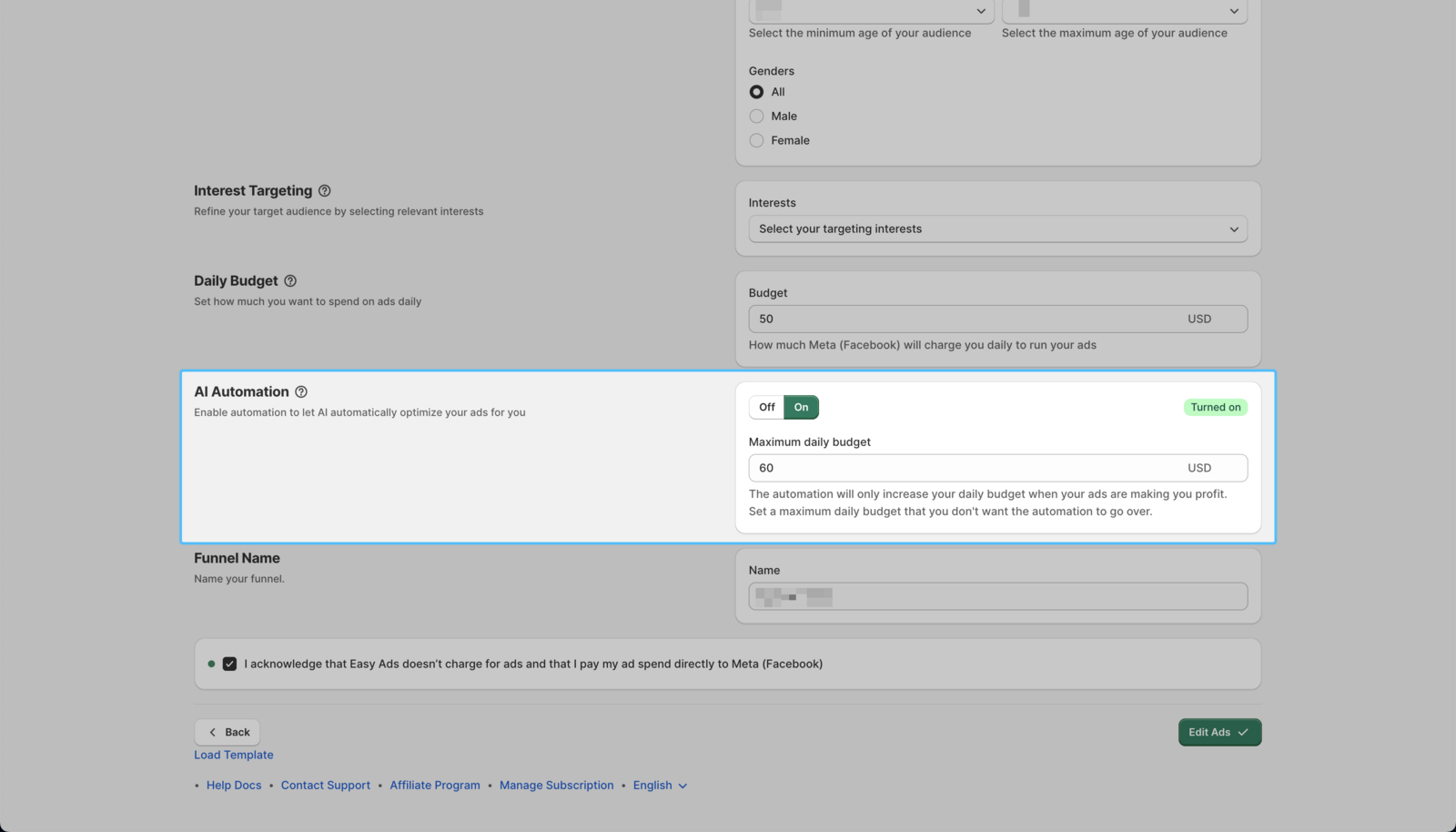 4. Click on Edit My Ads to apply the changes you made.
| The maximum daily budget should be slightly higher than your main daily budget.