Do you want to change your advertising assets after launching a funnel?
If you want to update any/all of the following:
- Business Manager.
- Ad account.
- Facebook page.
- Instagram business account.
- Pixel.
Follow these steps:
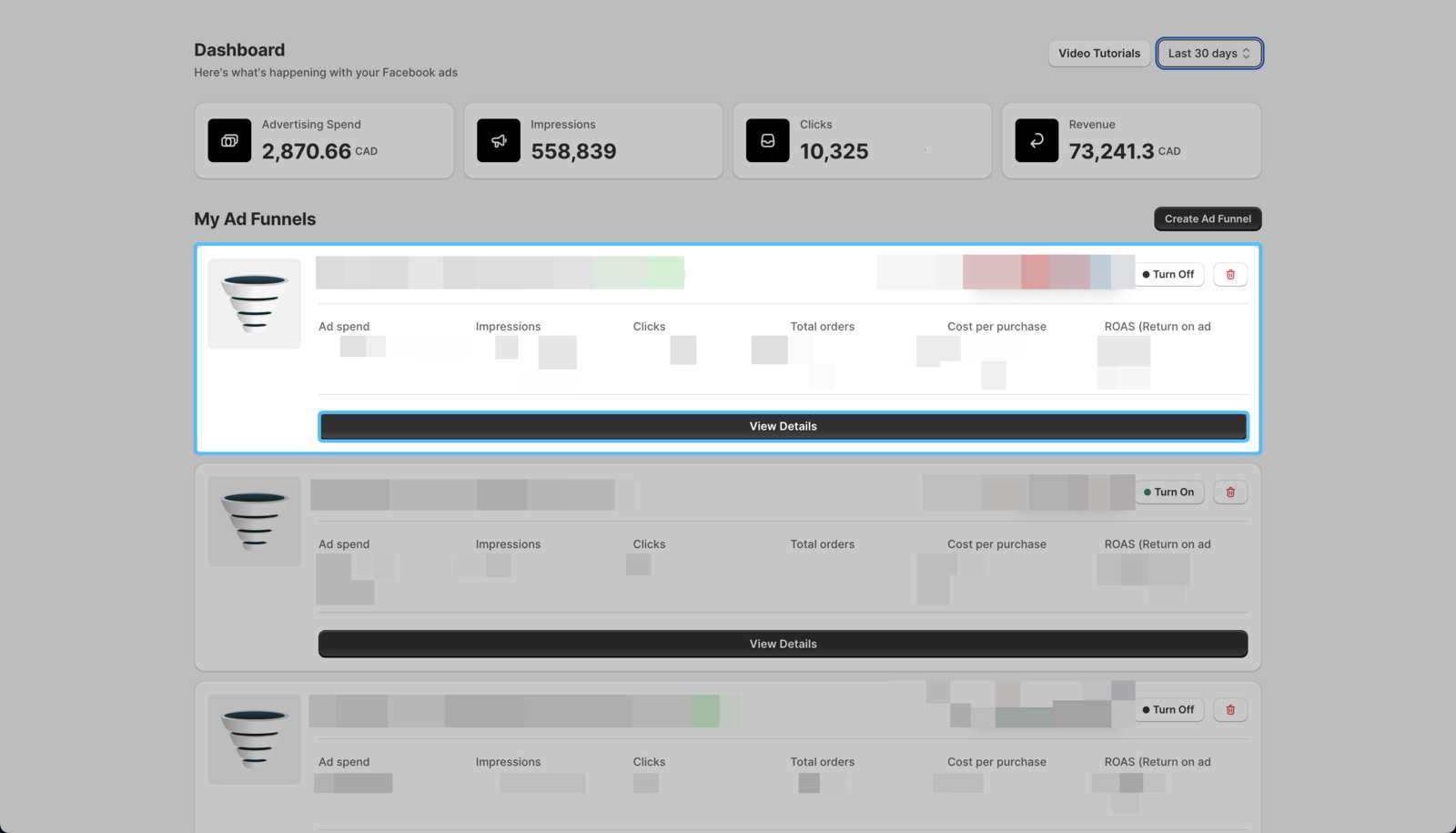
- Open the Easy Ads app, locate the campaign you want to change its assets, and click View Details.
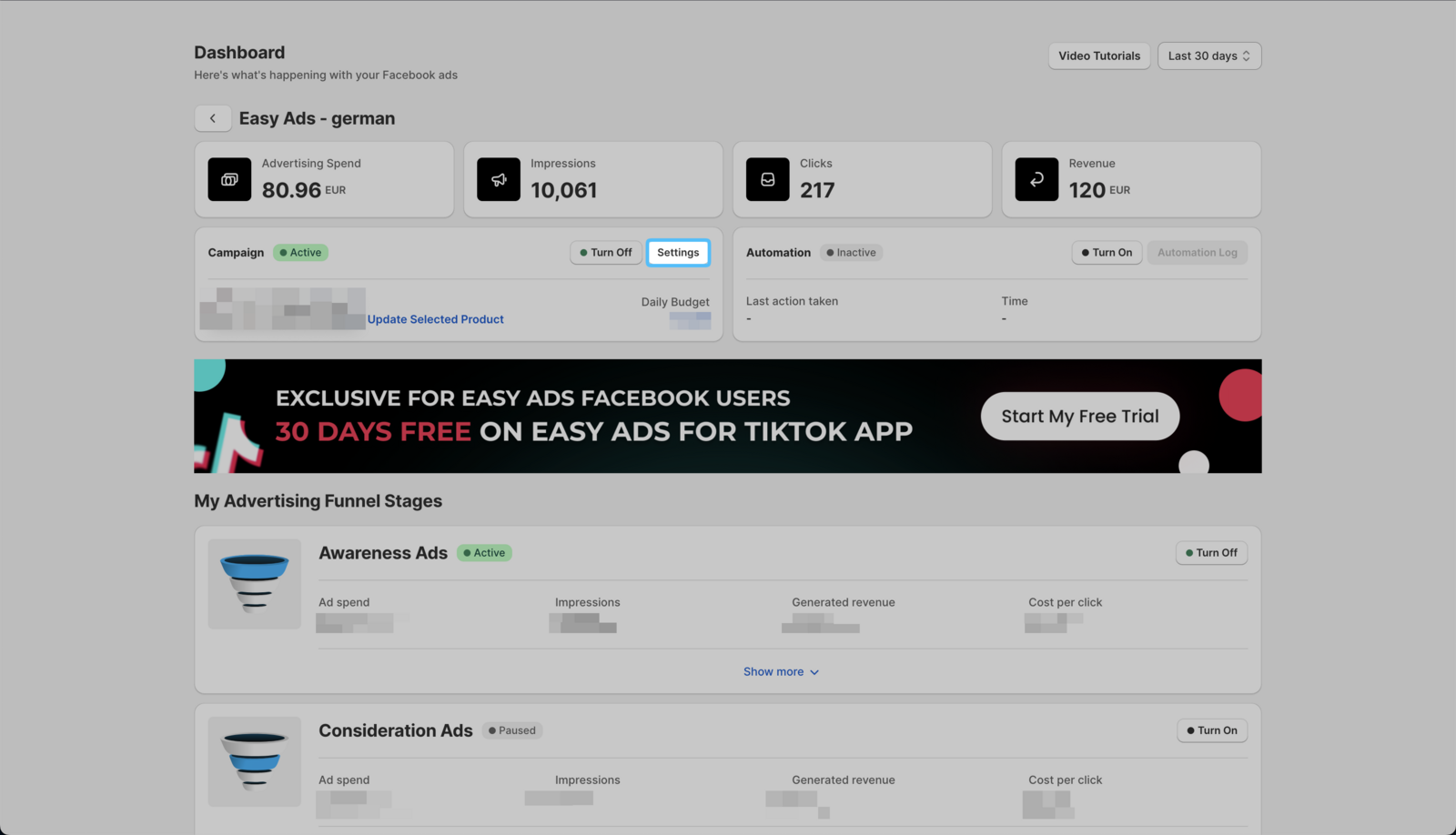
 2. Click Settings.
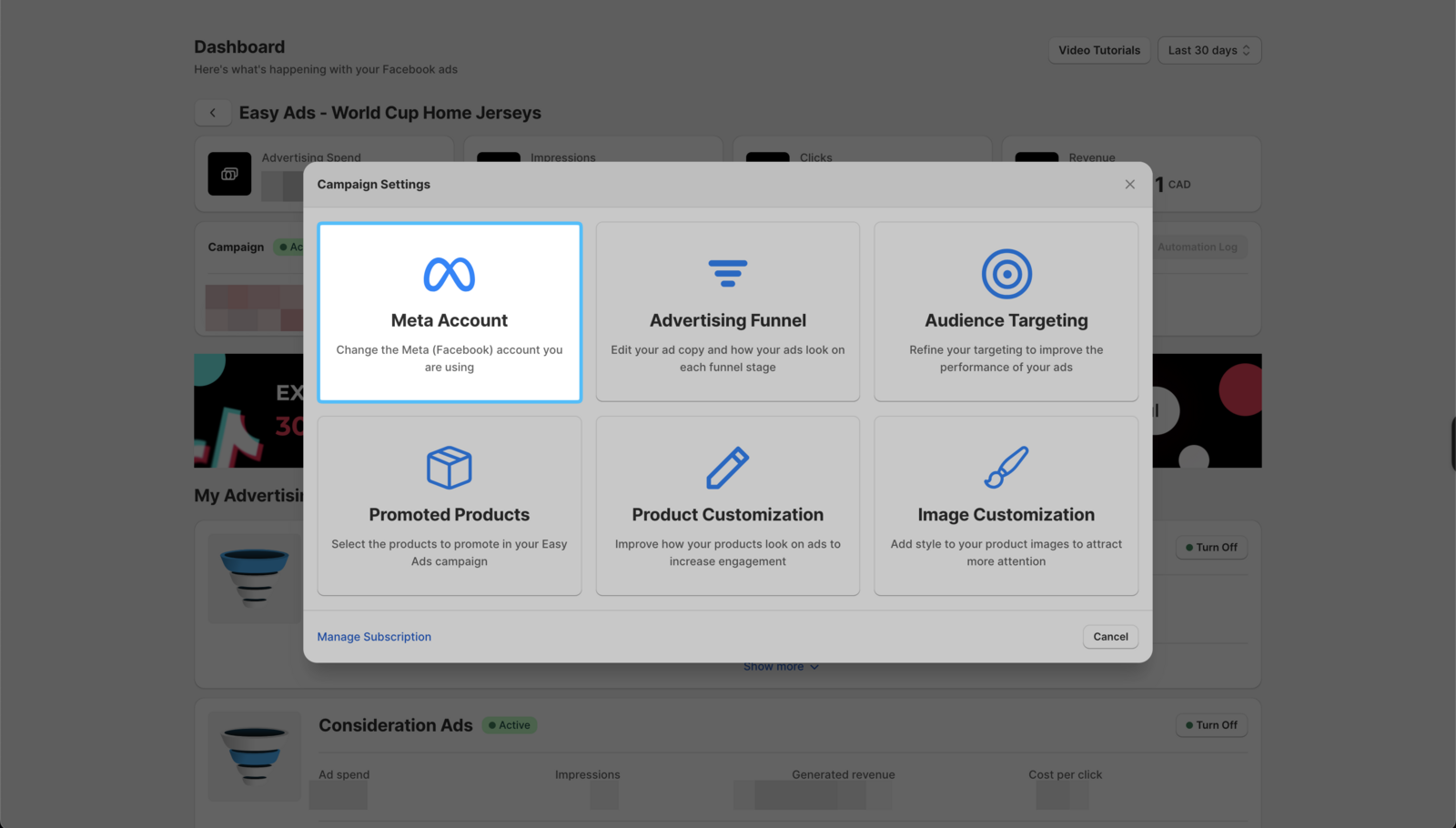
- Then, click on Meta Account.
-
Update any advertising asset you want.
-
Once done, click on **Create **→ **Launch ** to update your funnel.
Please note that changing any of your advertising assets will reset the ads' learning phase. To learn more about the learning phase, please visit this page: About the Learning Phase.