In this guide, you'll learn how to change the number of products displayed in your ads after launching your funnel. You can choose to display one product at a time or multiple in a carousel form.
Steps:
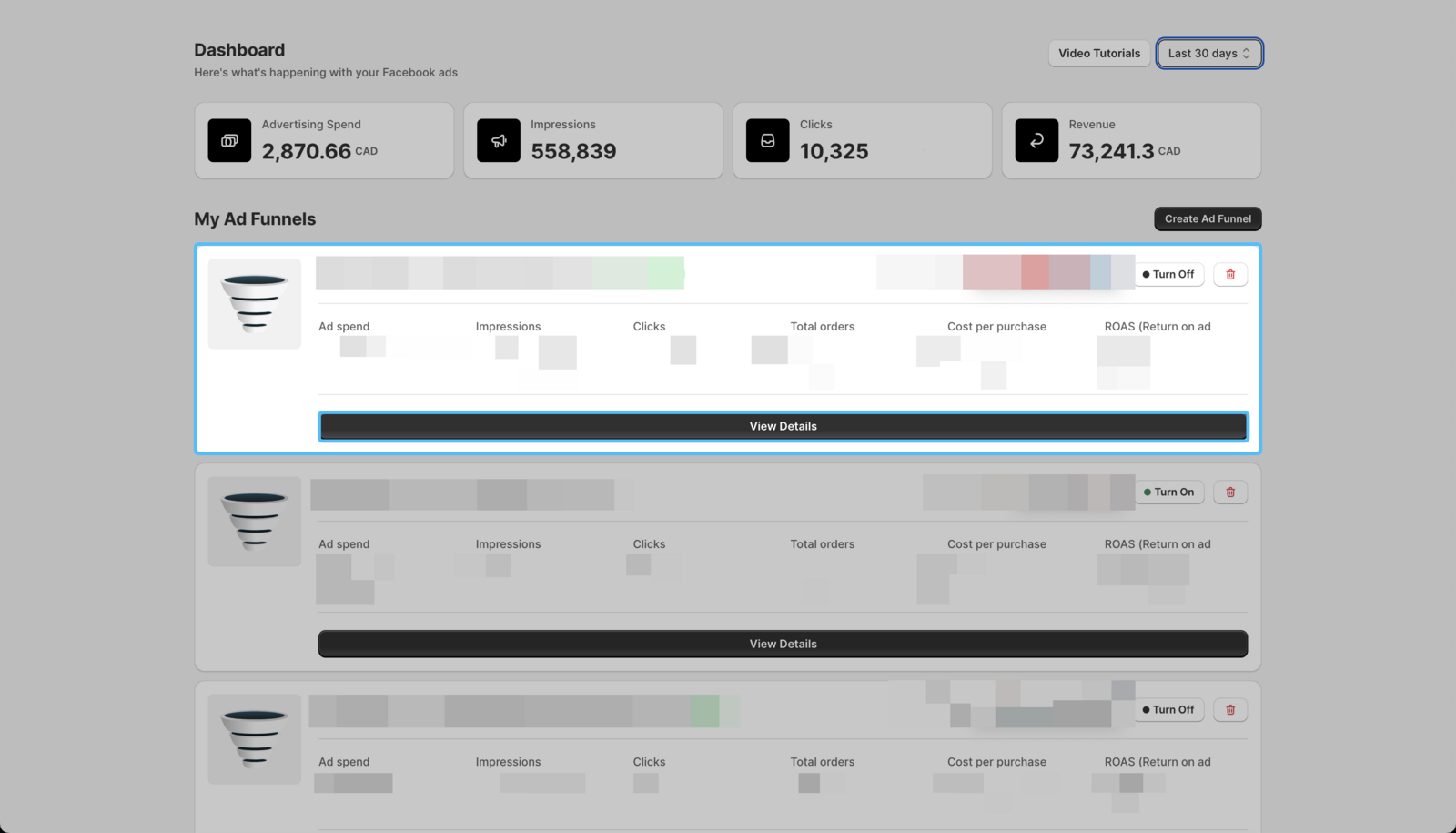
- On your Easy Ads for Facebook dashboard, locate the campaign you want to edit, and click on View Details.
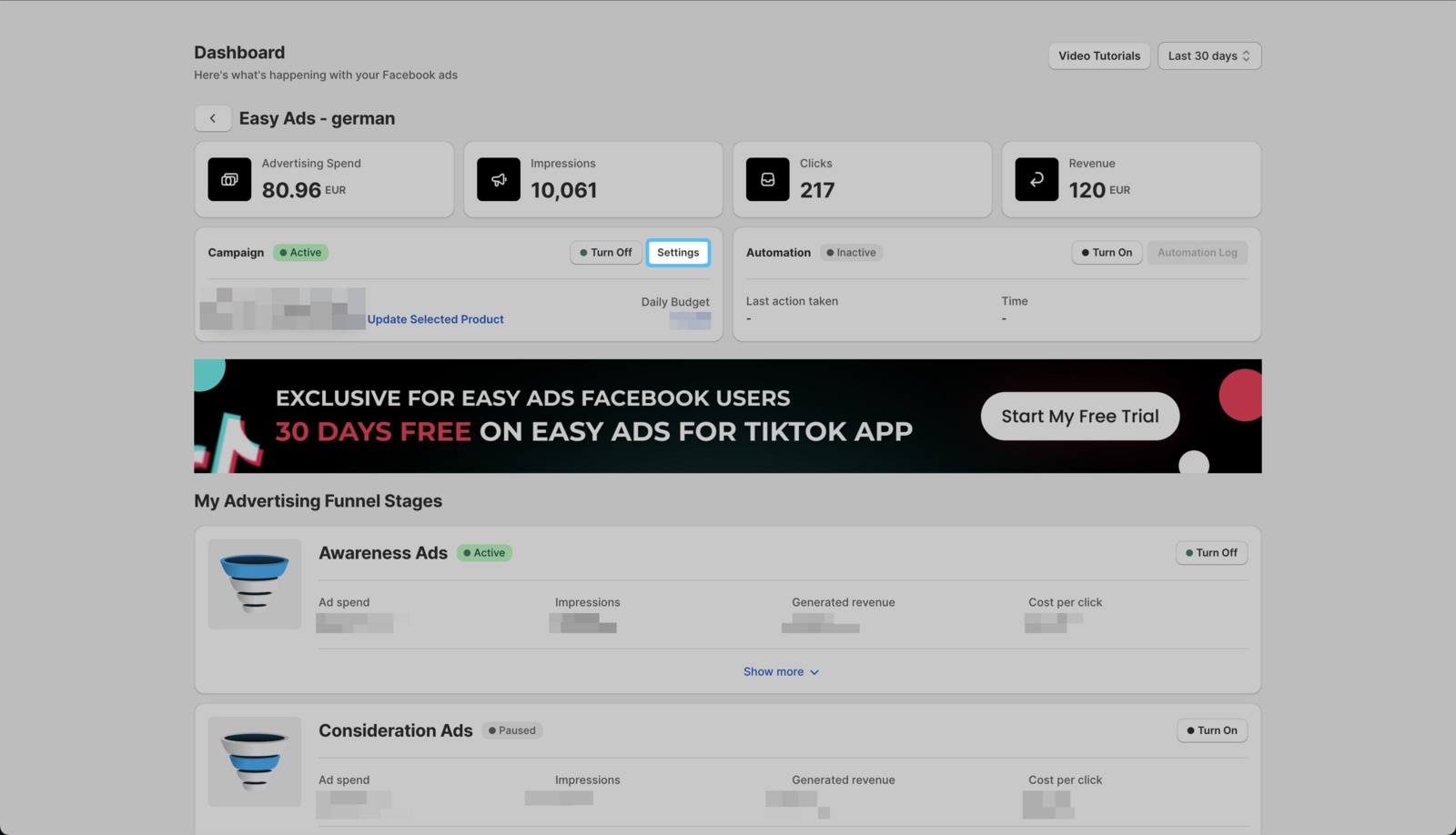
- Click Settings.
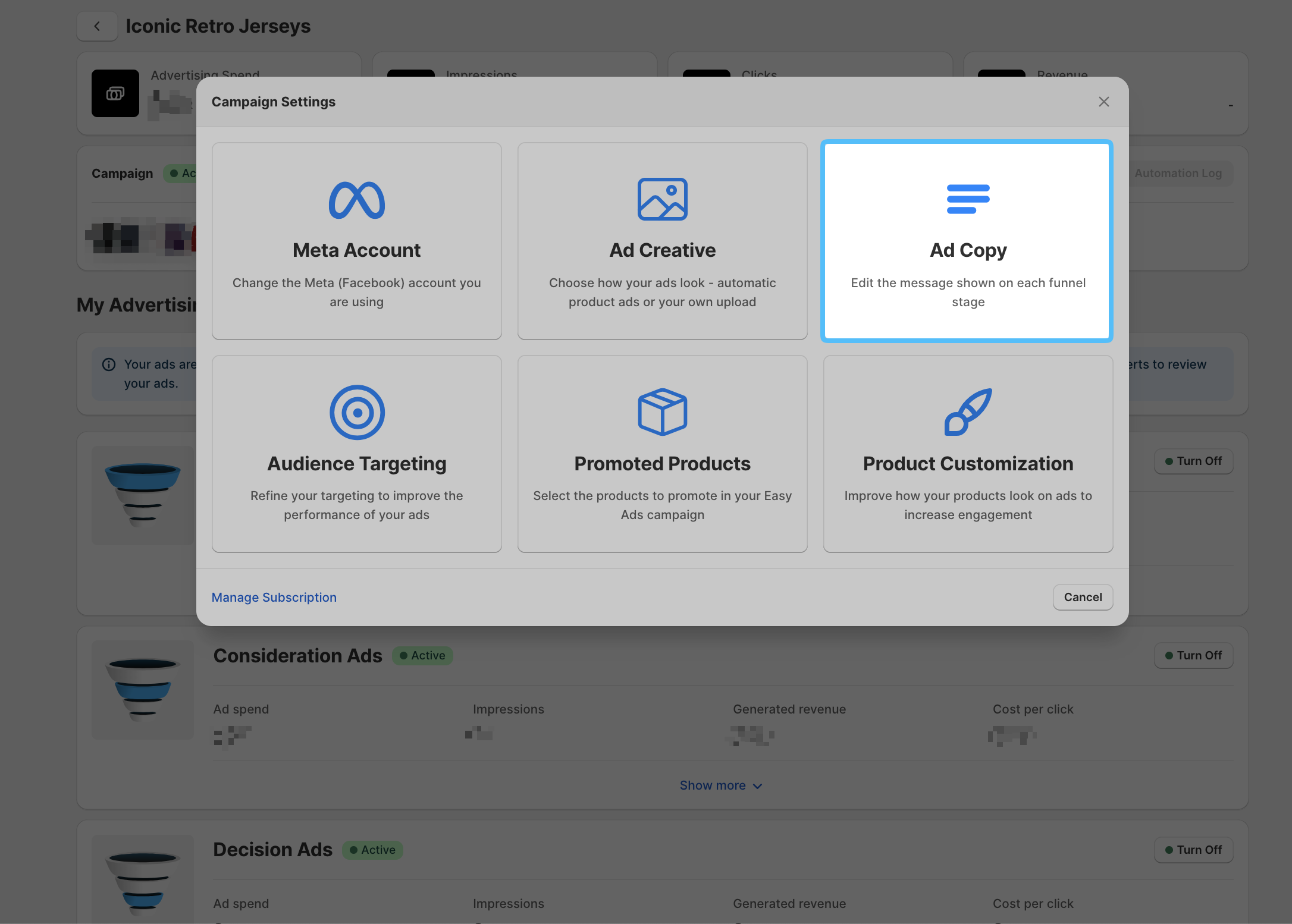
 3. Click Ad Copy
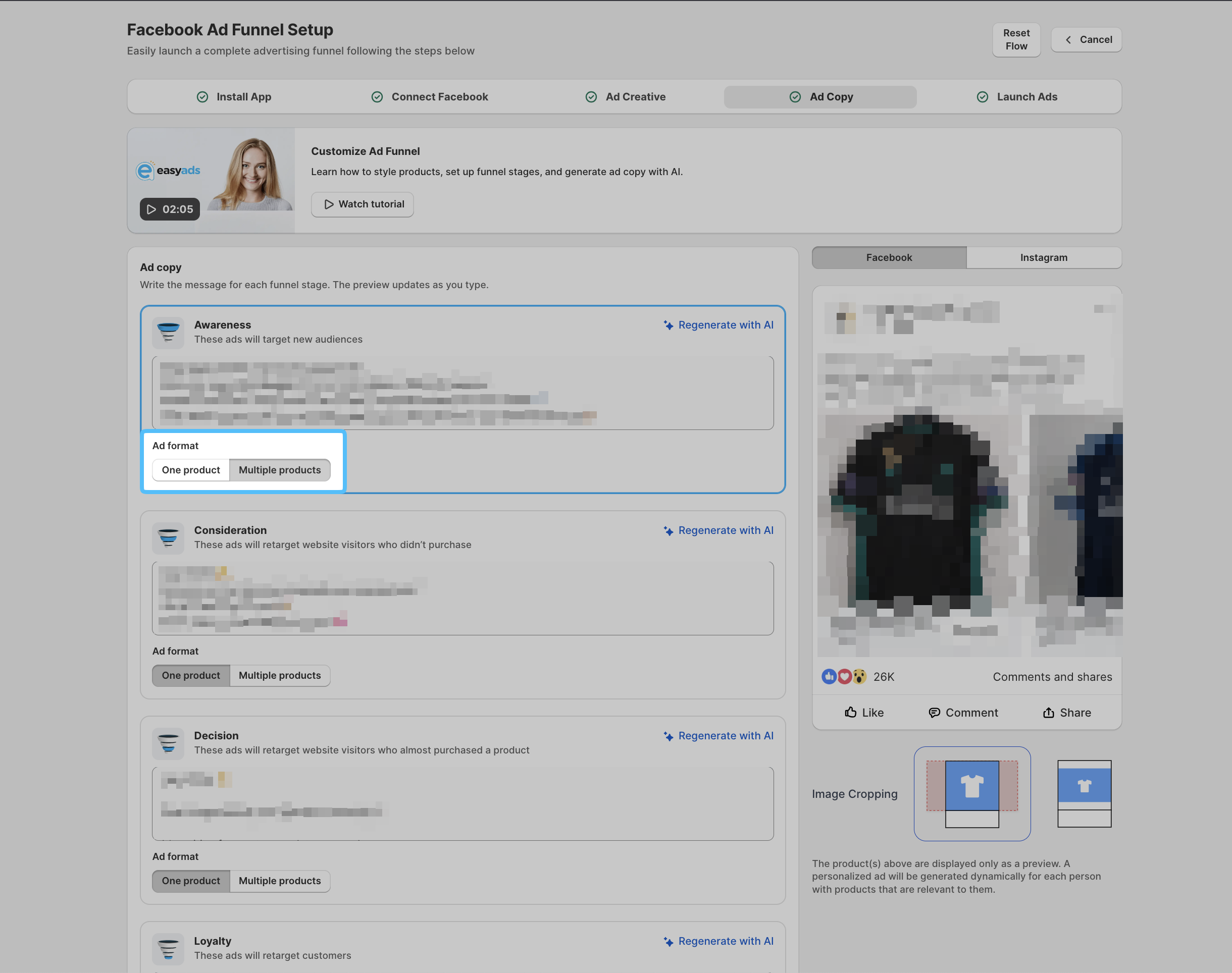
 4. Select which Ad Format you want to use in each stage.
- Click on Launch → Update My Ads to save your changes.
Your ads will be set back into review. Once reviewed and approved by Meta, your ads will run again.