If you don't want to use product images available on your website in your ads, you may opt for manually adding the product images that will show in ads.
Updating images is applied in ads only; this will not change the product images you have on your website.
Steps:
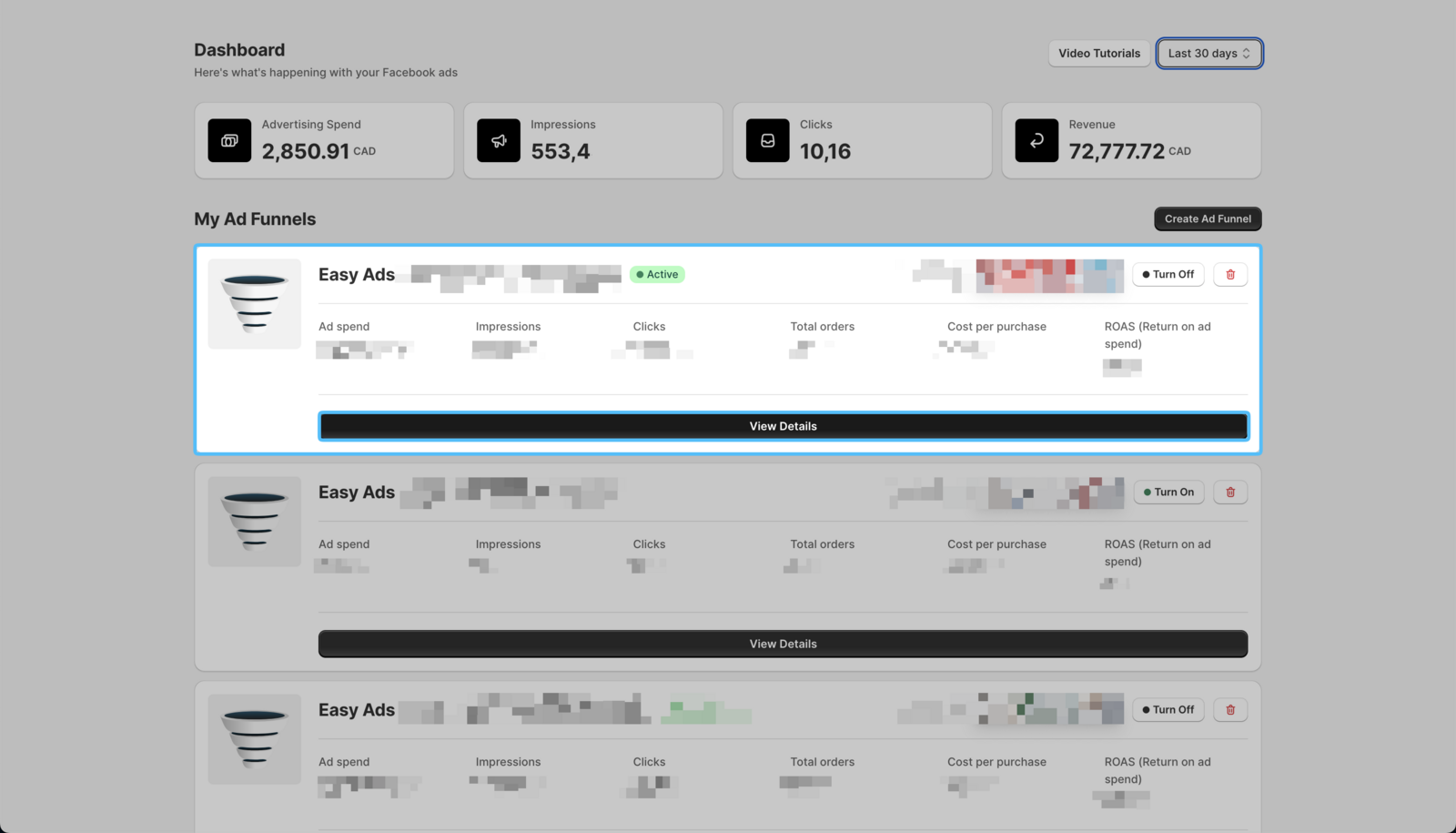
- Open Easy Ads, locate the campaign you want to edit, and click **View Details. **
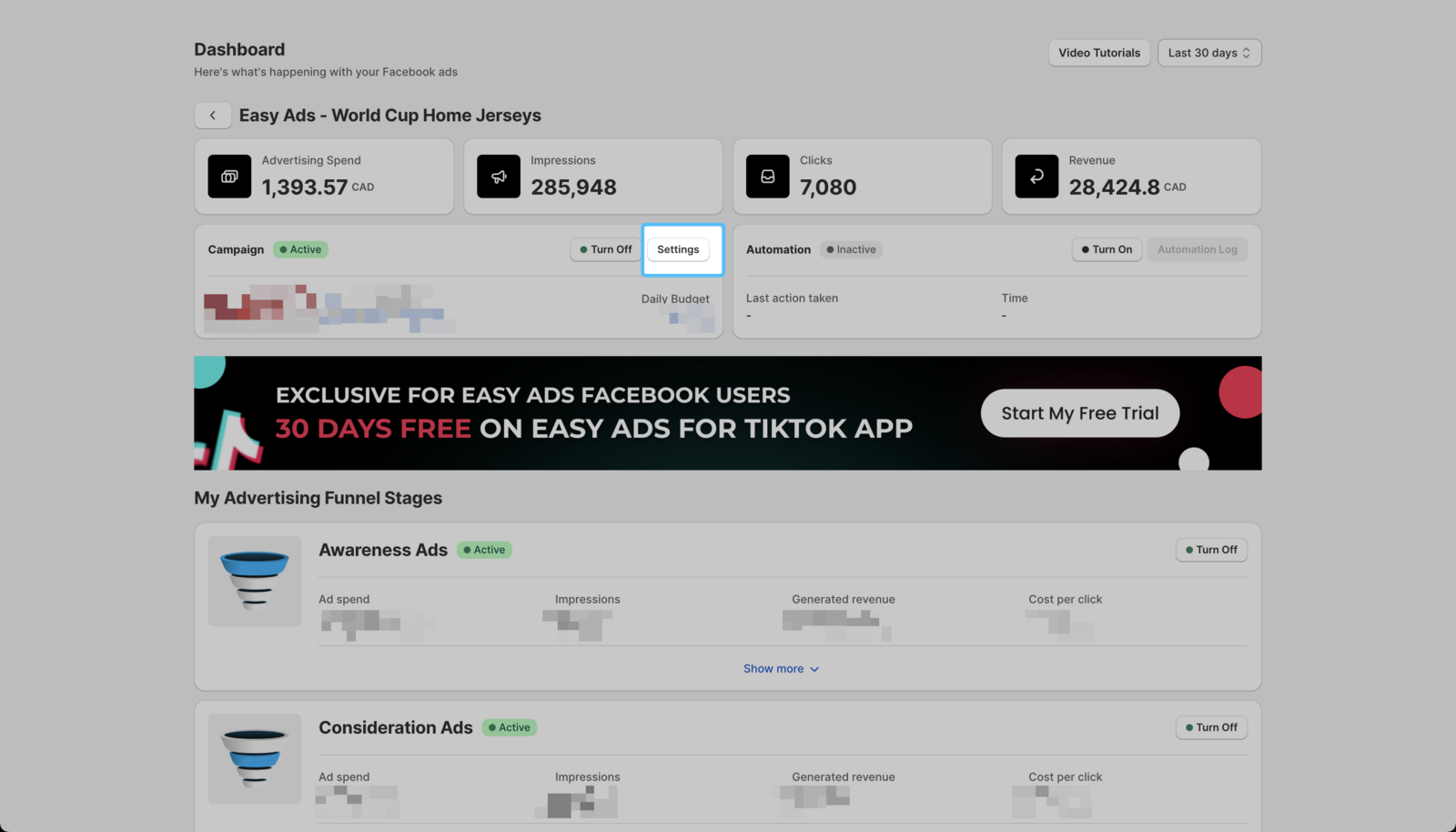
 2. Click on Settings.
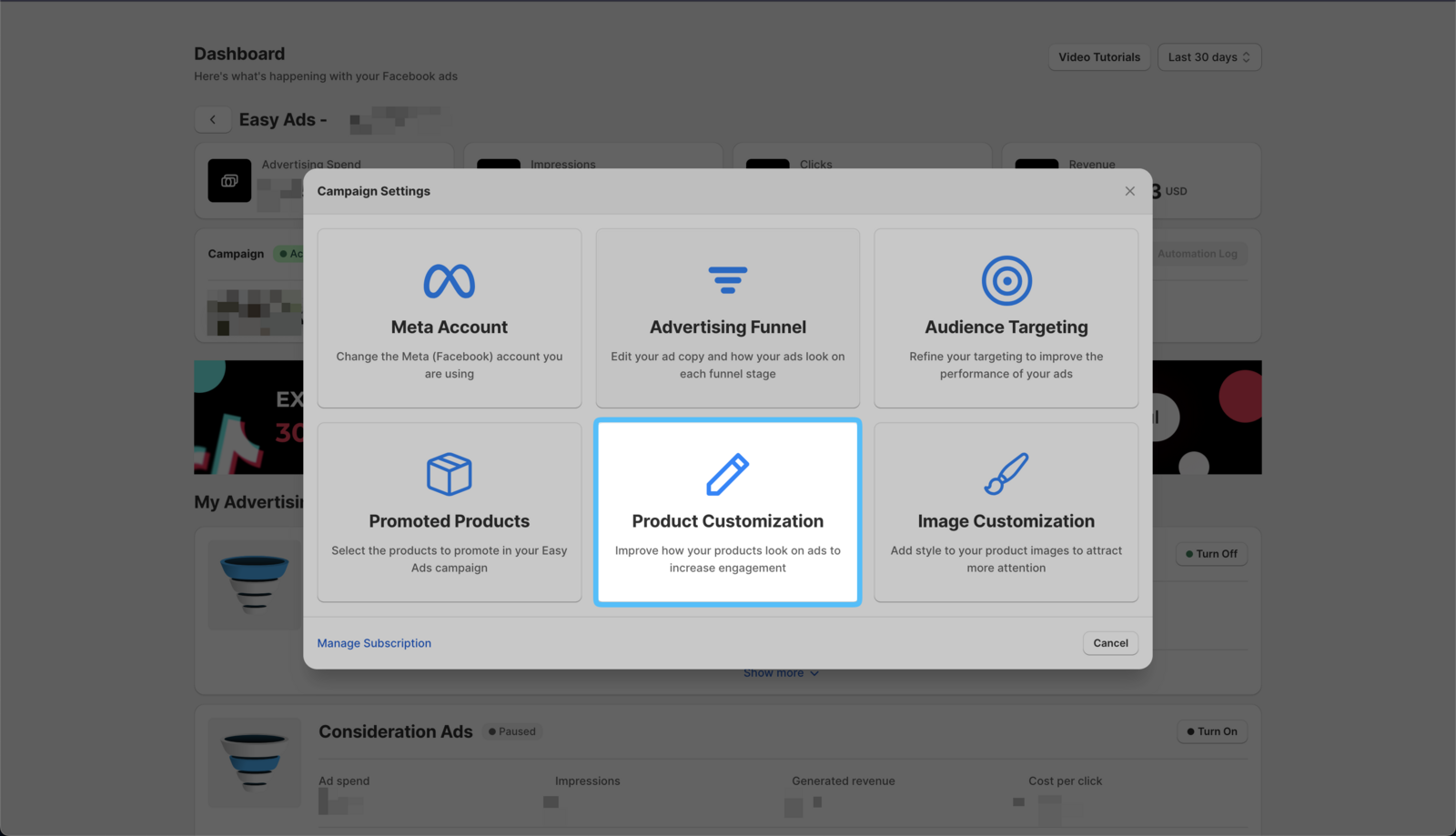
 3. Click on the Product Customization option.
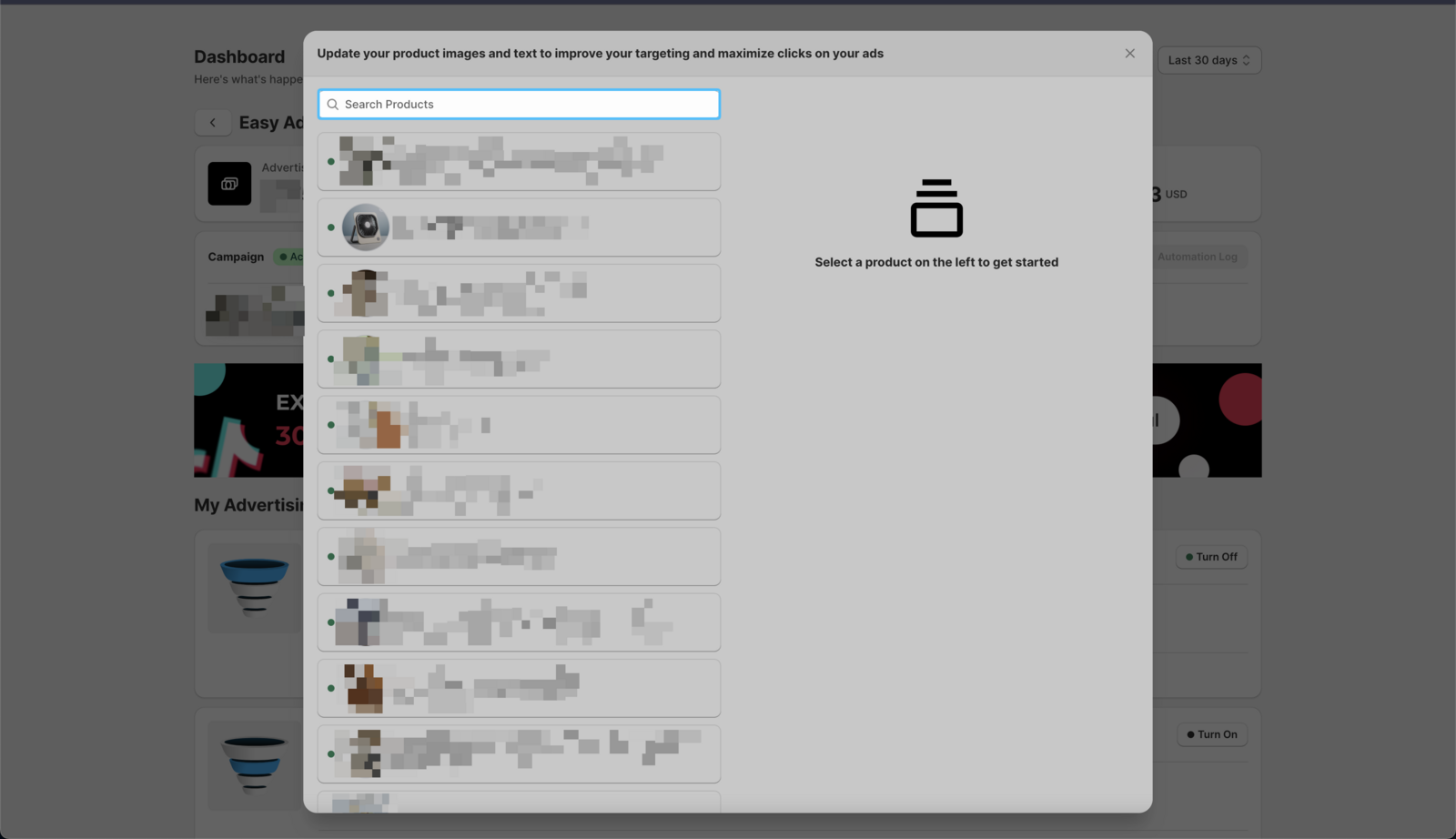
- Use the search bar to search the product you want to update or scroll down to select it.
- Change the image, title, product link, and/or the description of the product.
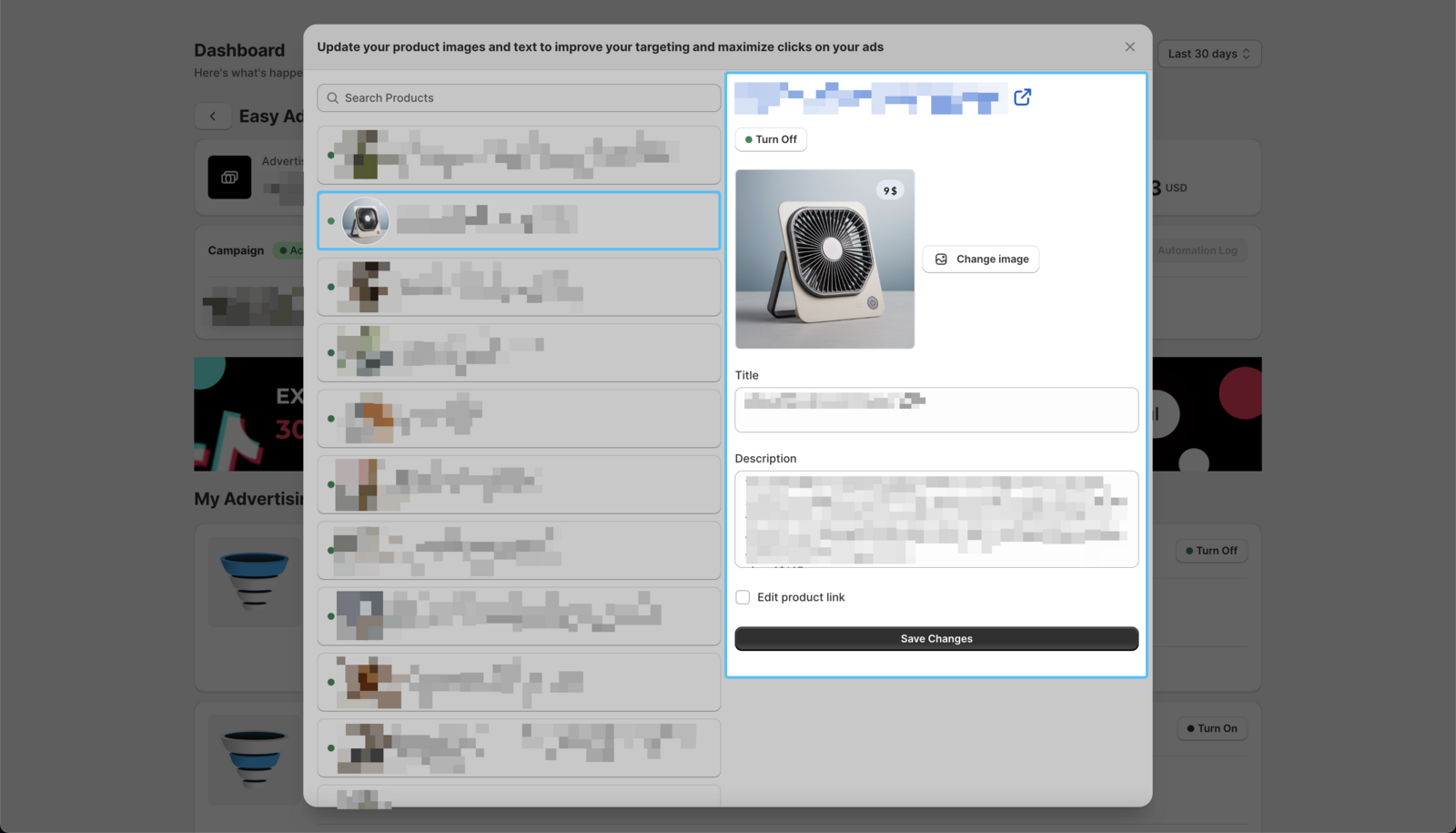
You can also use Turn Off here to stop a single product appearing in your ads while leaving it selected on the campaign. To change which products the campaign promotes at all, see How to add or remove products from your ads.
-
Click on the Save Changes button.
-
Repeat the same process on all the products you want to update.
Your ads are updated with the changes right away.