In this guide, you'll learn how to update your audience targeting settings after launching your funnel.
Kindly note that any changes to your target audience will reset your ads' learning phase. To learn more about the learning phase and best practices, please visit this guide: About The Learning Phase.
You must manually add the locations, age groups, languages, and interests you want to target. Easy Ads will not add this information automatically. However, it will study your audience's external data and target every customer with the right product.
Change the Target Country.
To change the country of your target audience, please follow the instructions below:
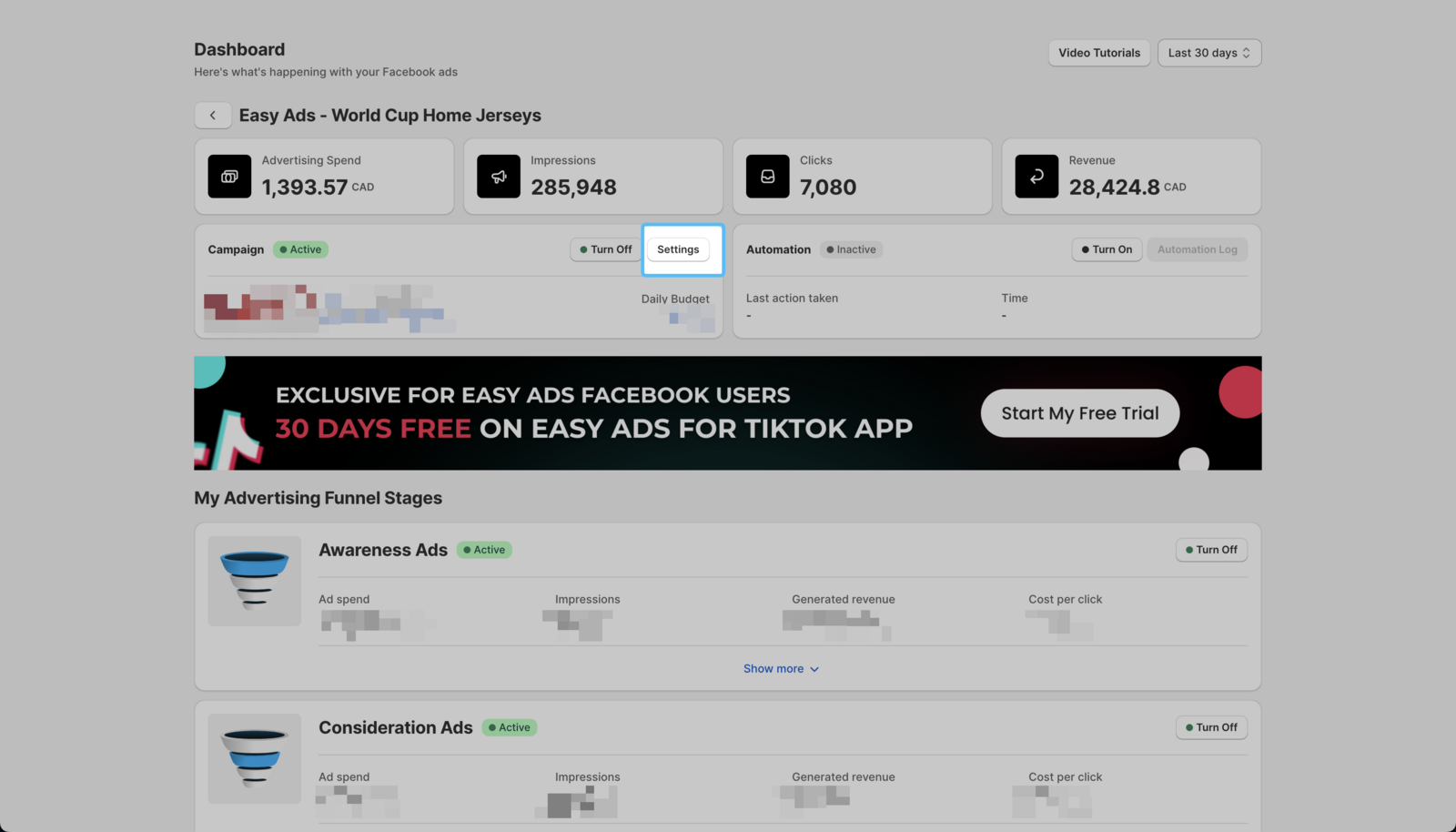
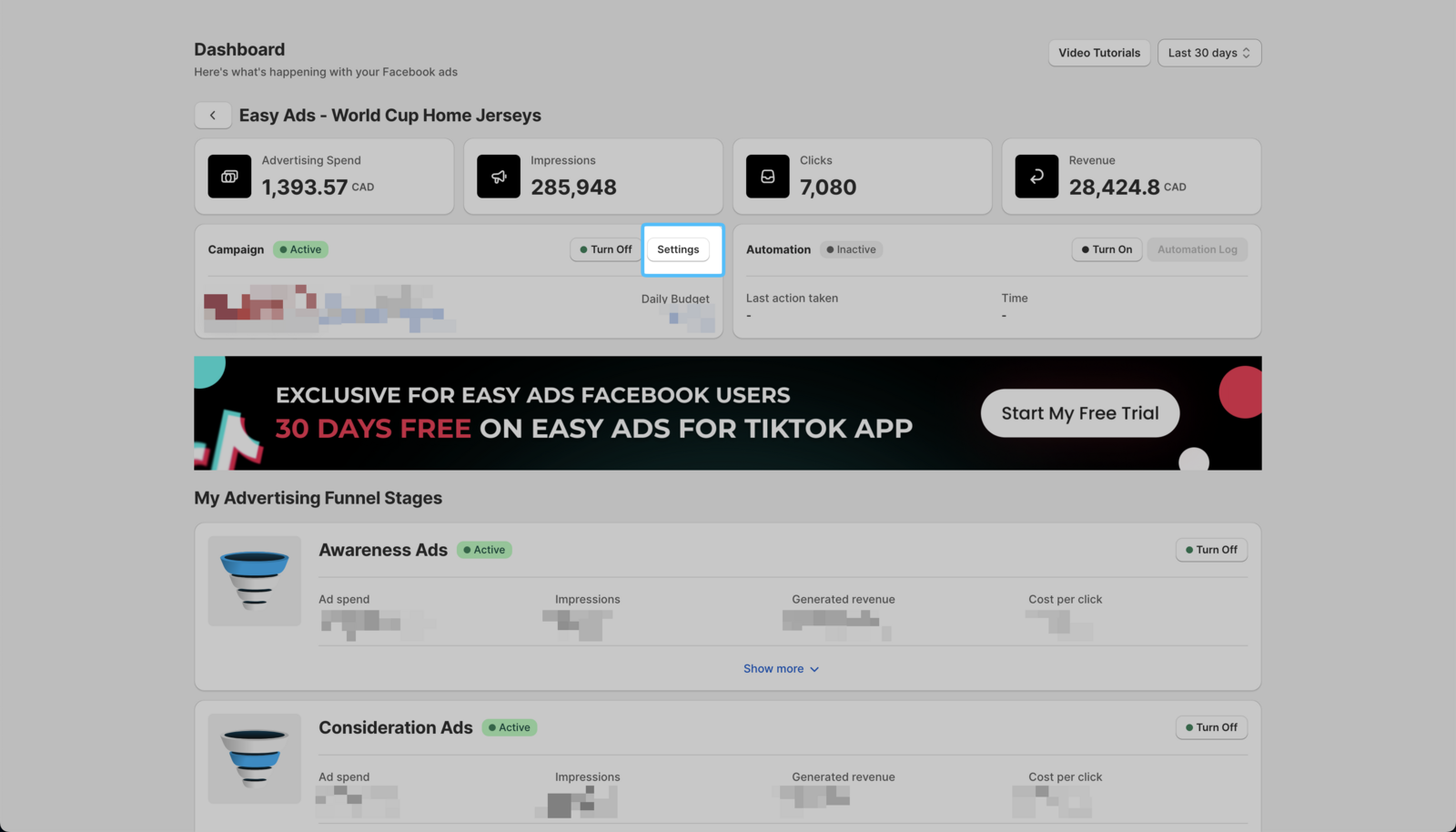
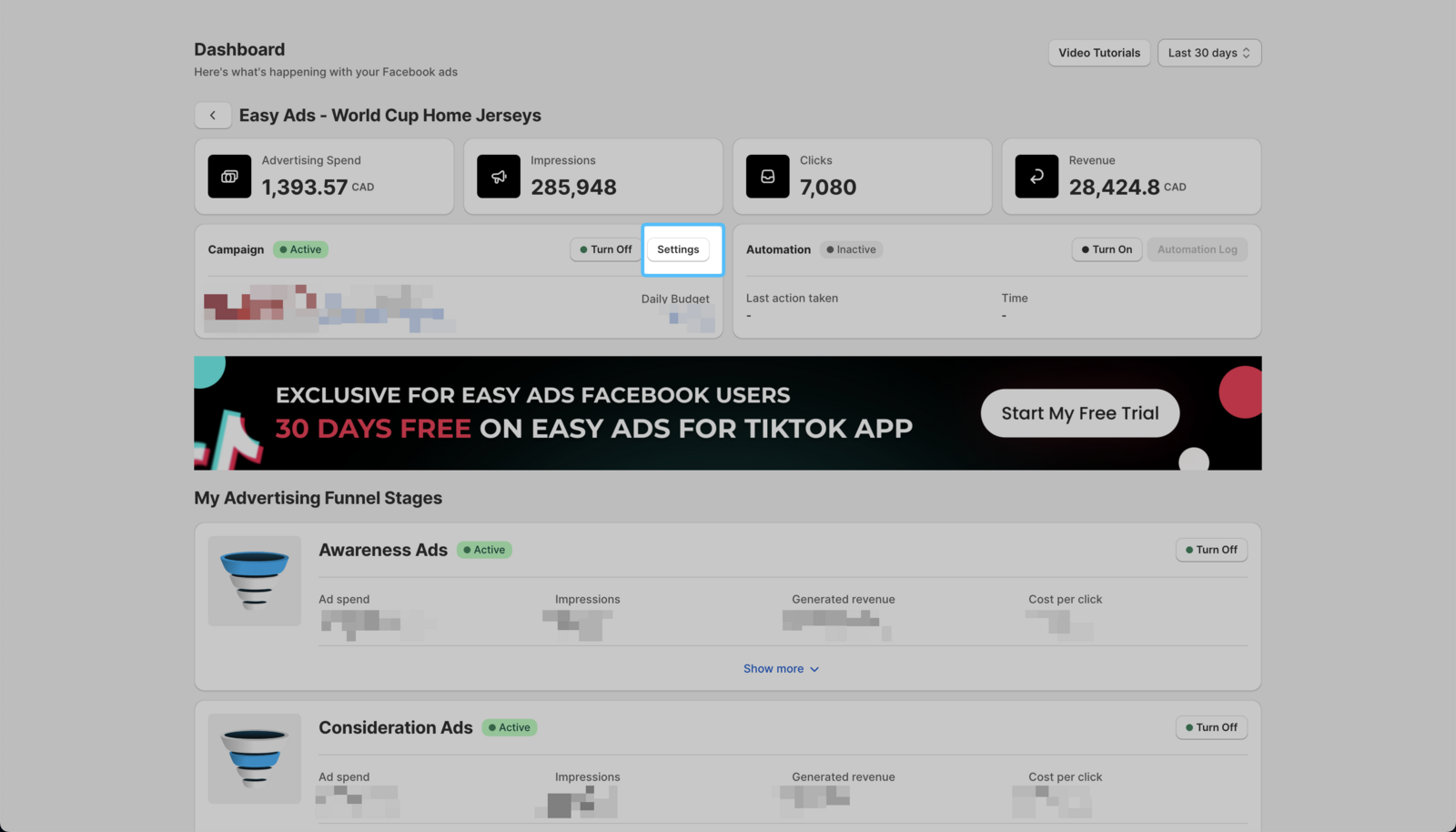
- On your Easy Ads for Facebook dashboard, click on Settings.
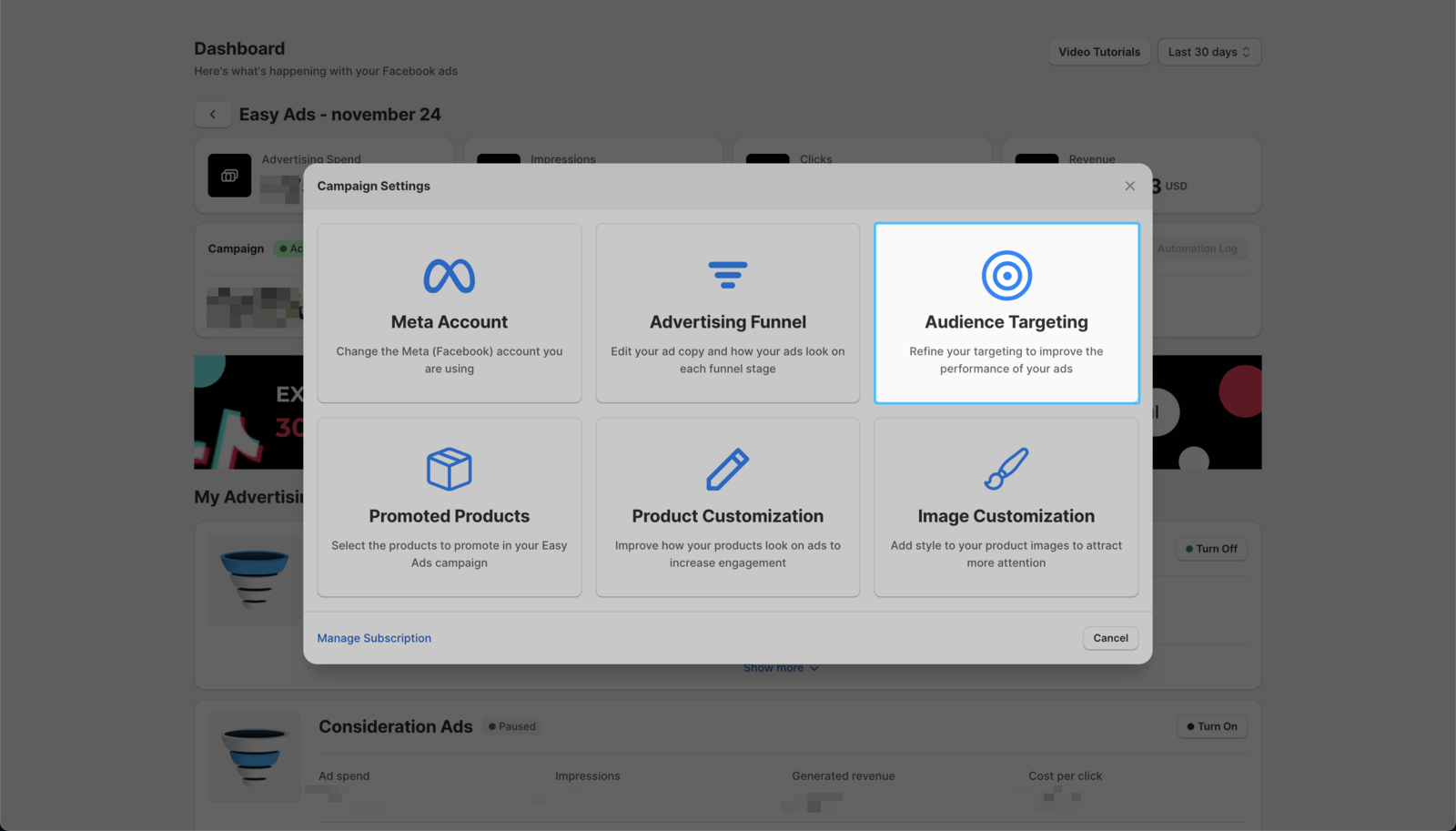
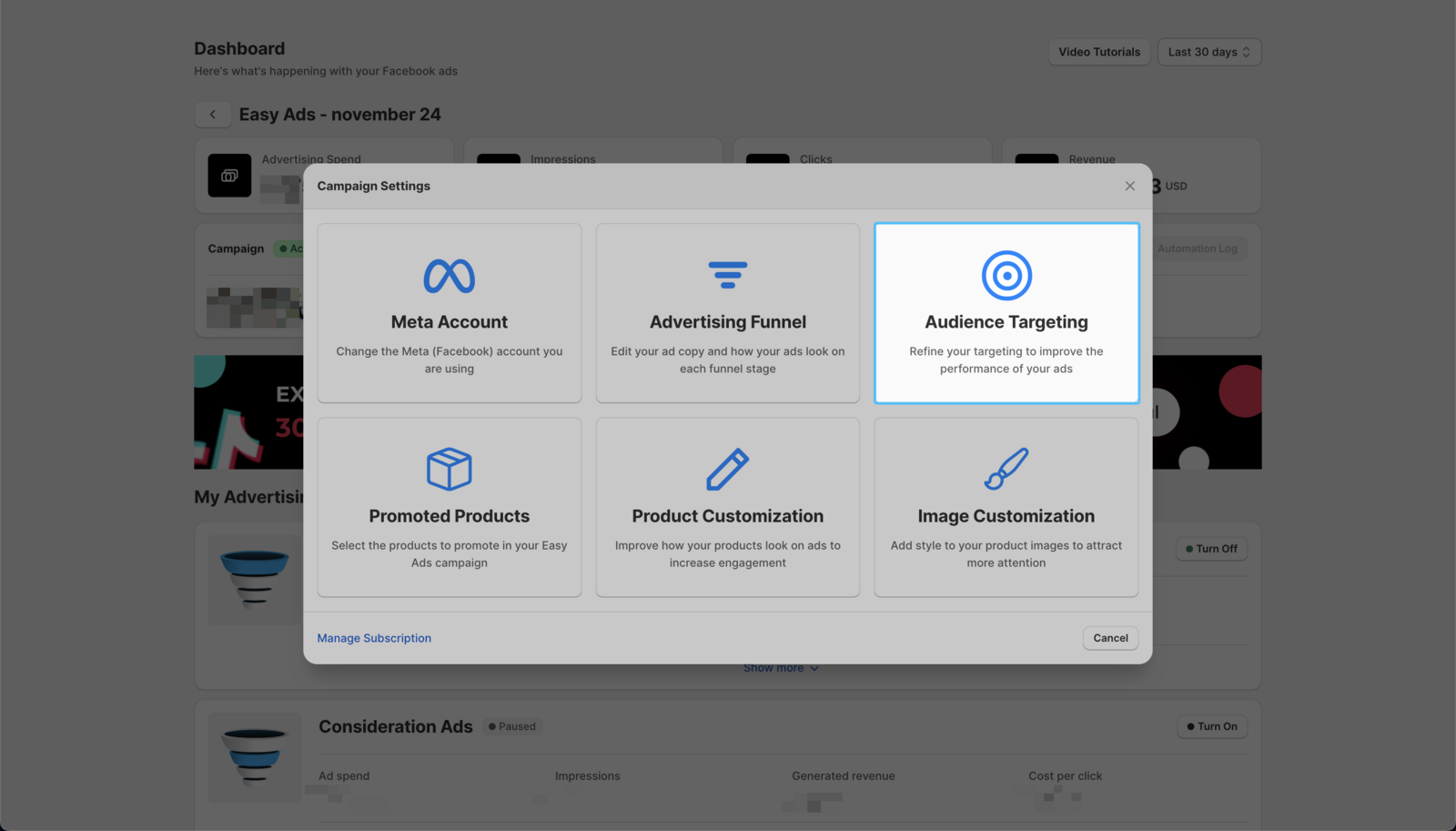
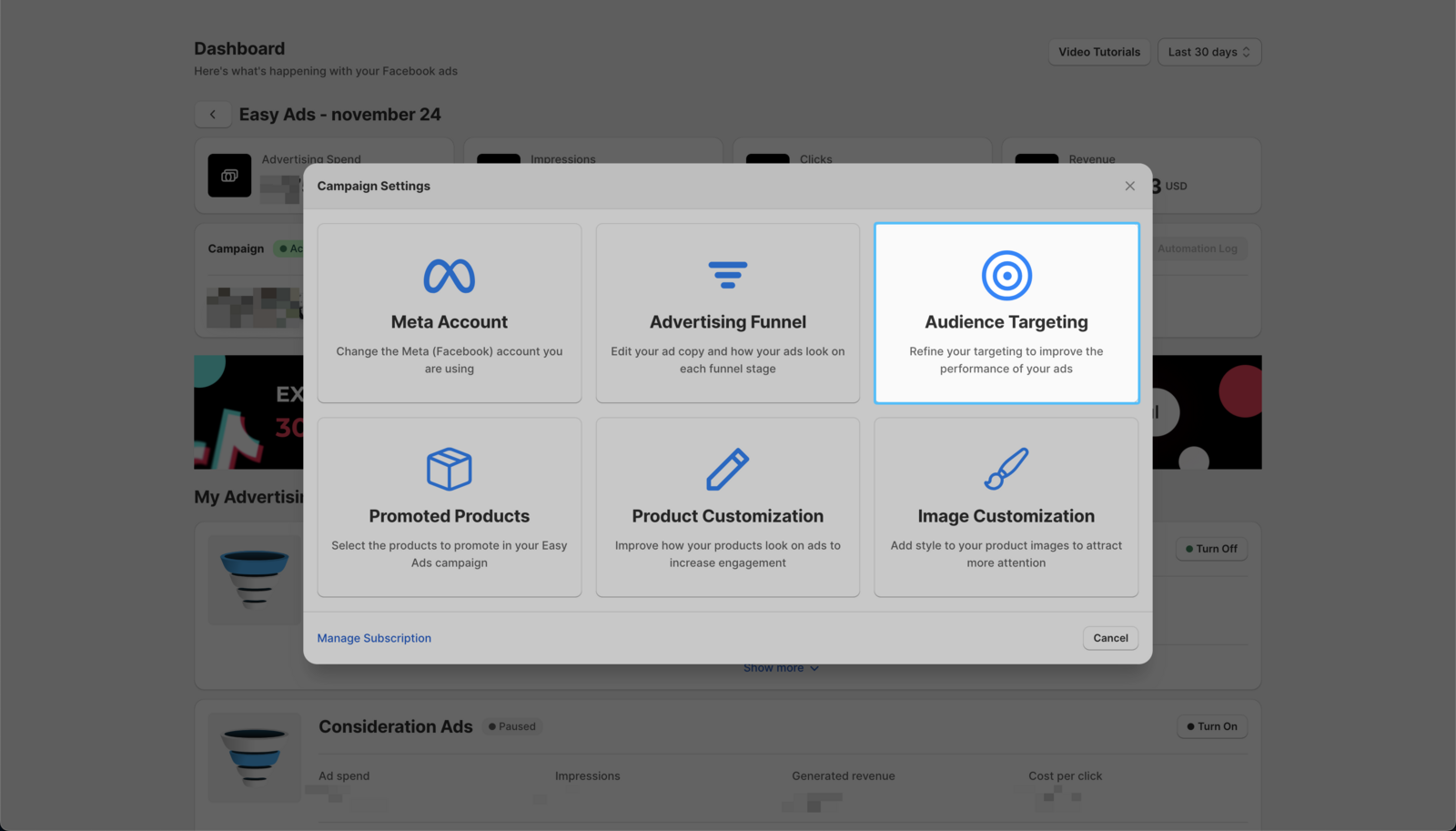
- Click on the Audience Targeting option.
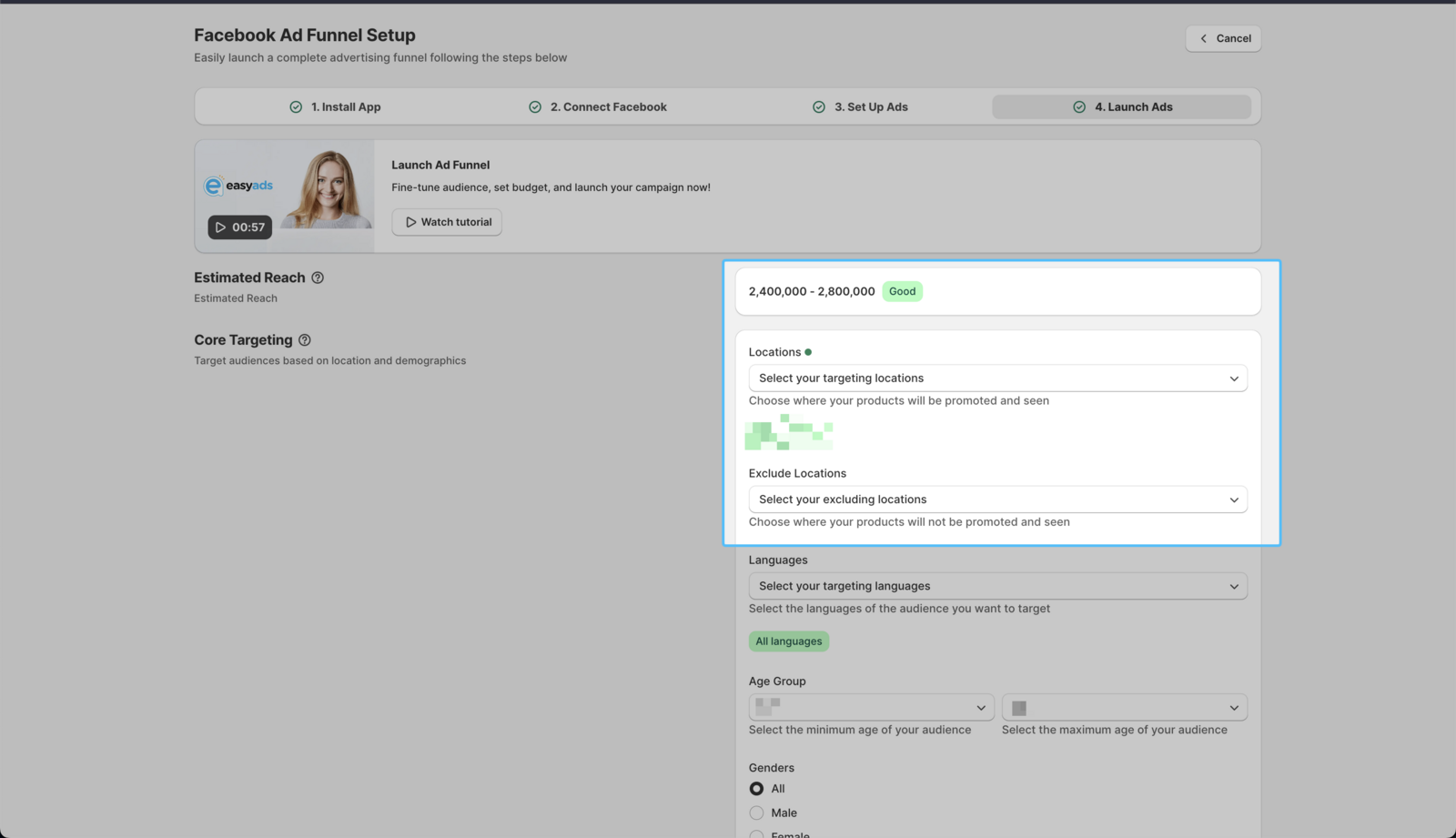
- Update the country of your target audience. You can add as many countries as you'd like.
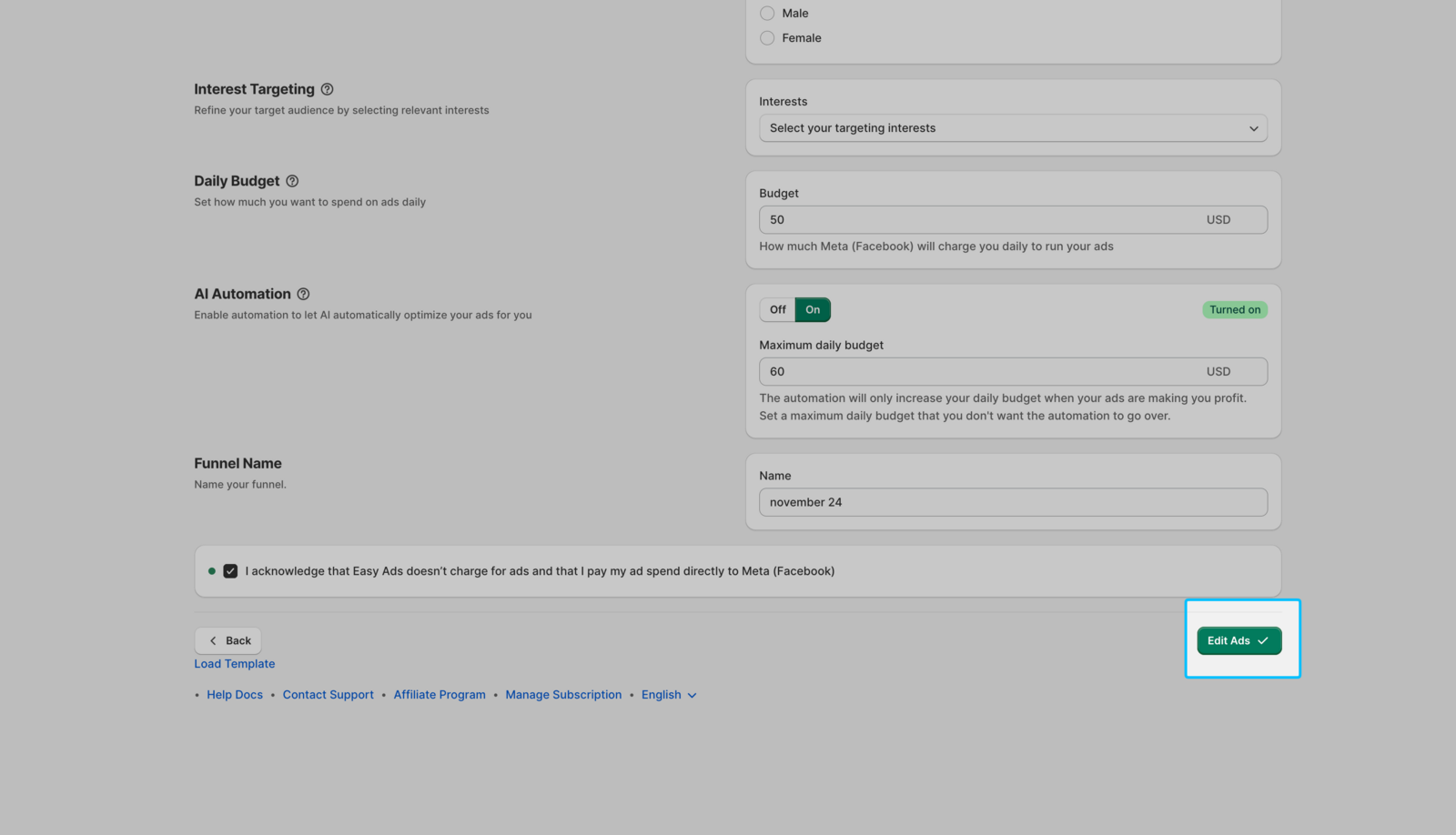
- Click on Edit Ads.
Change Age Range and/or Gender
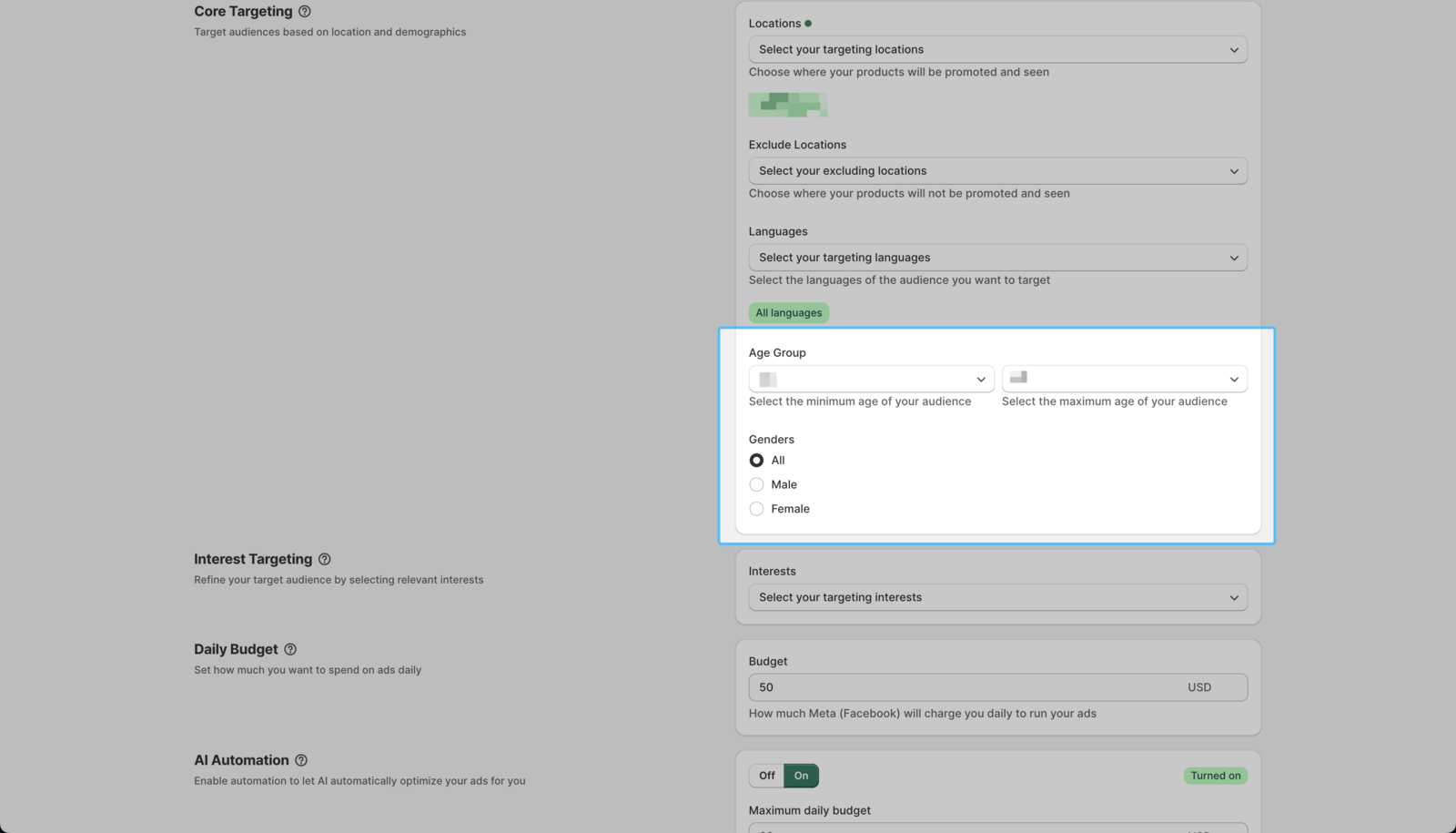
To change the age range and/or gender of your target audience, please follow the instructions below:
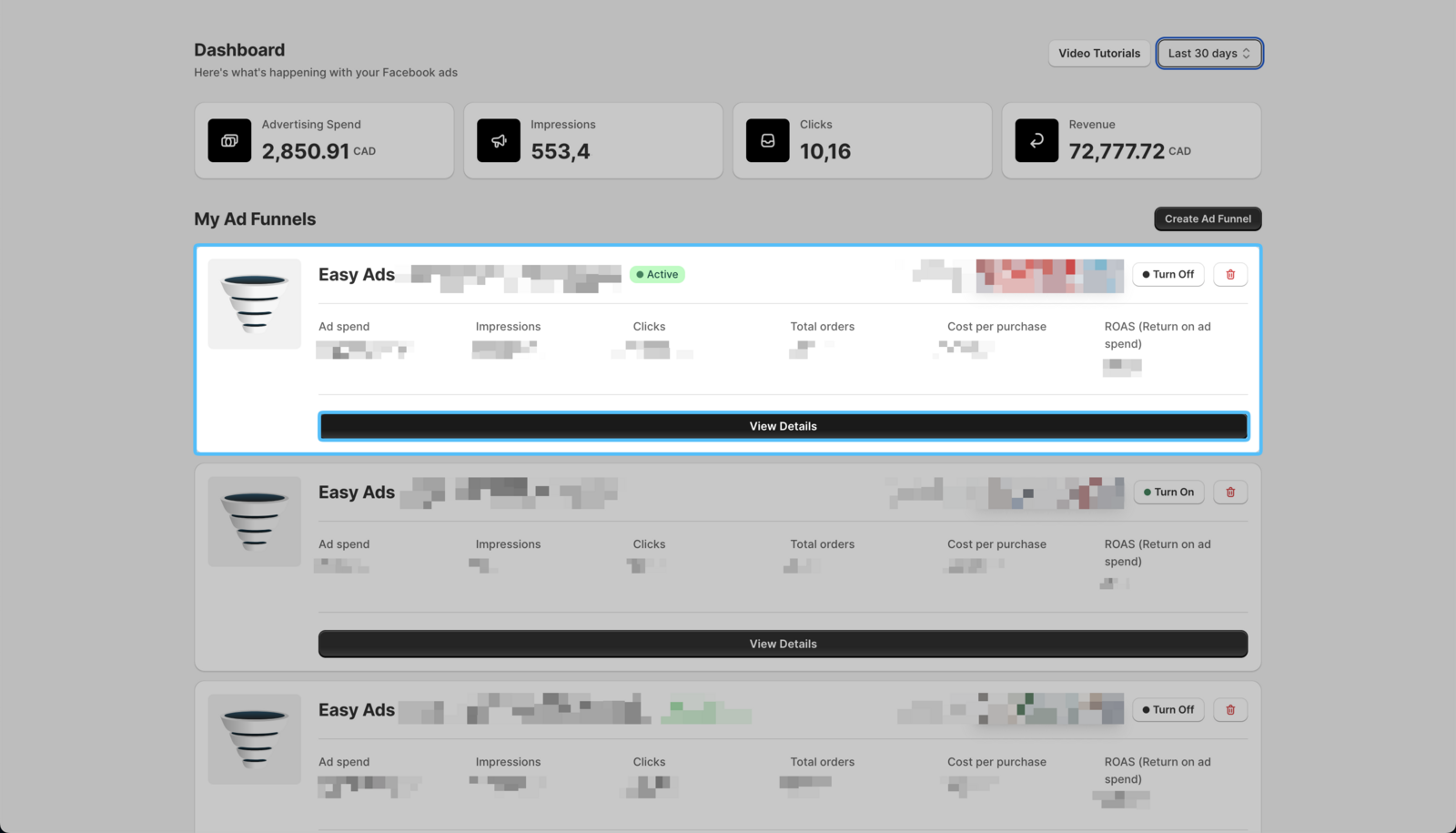
- On your Easy Ads for Facebook dashboard, locate the campaign you want to edit, and click View Details.
 2. Click Settings.
- Click on the Audience Targeting option.
- Update the age and/or gender of your target audience.
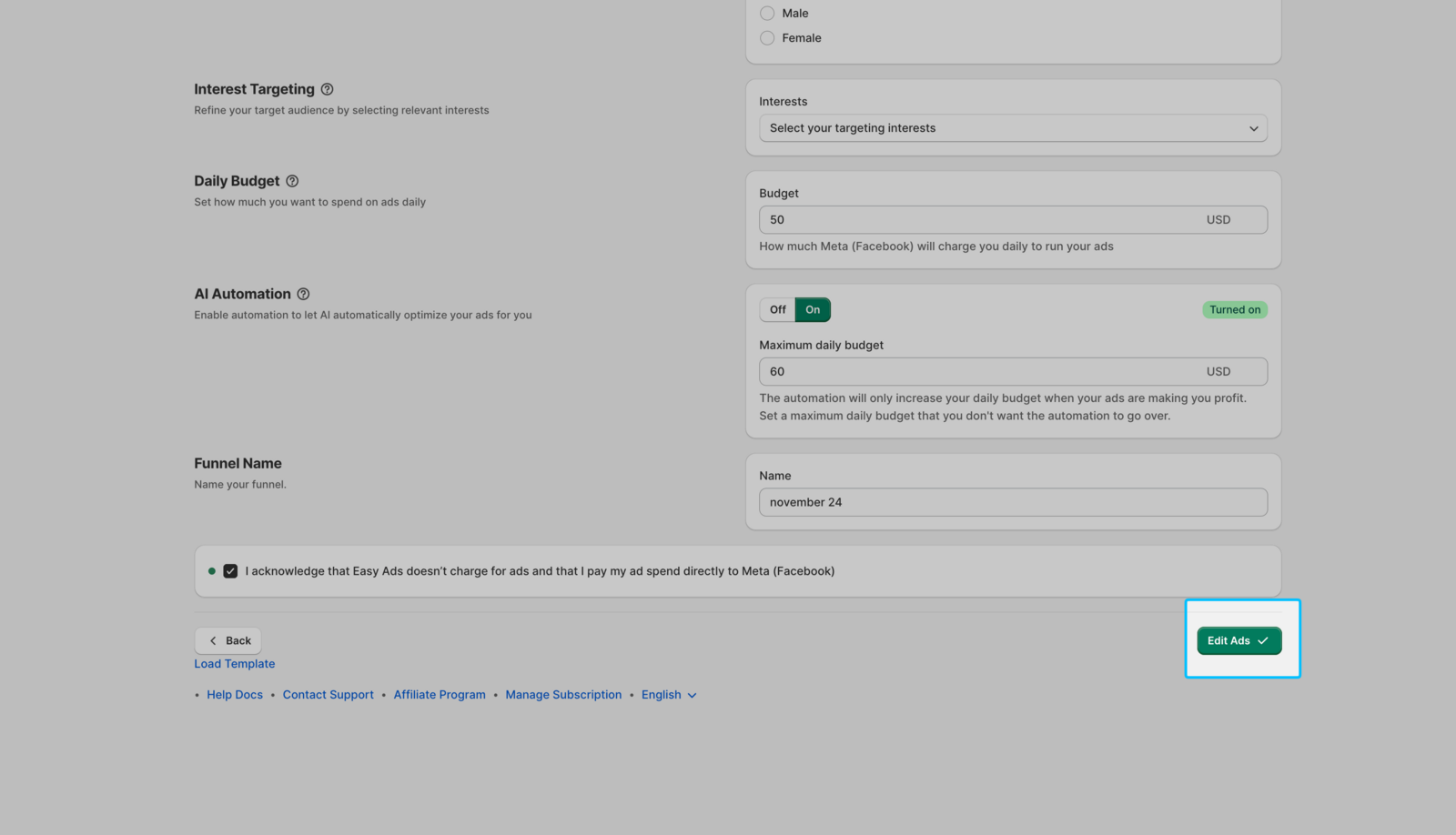
- Click on Edit Ads.
Change Interests
To change the Interests of your target audience, please follow the instructions below:
- On your Easy Ads for Facebook dashboard, click on Settings.
- Click on the Audience Targeting option.
- Update the Interests of your target audience.
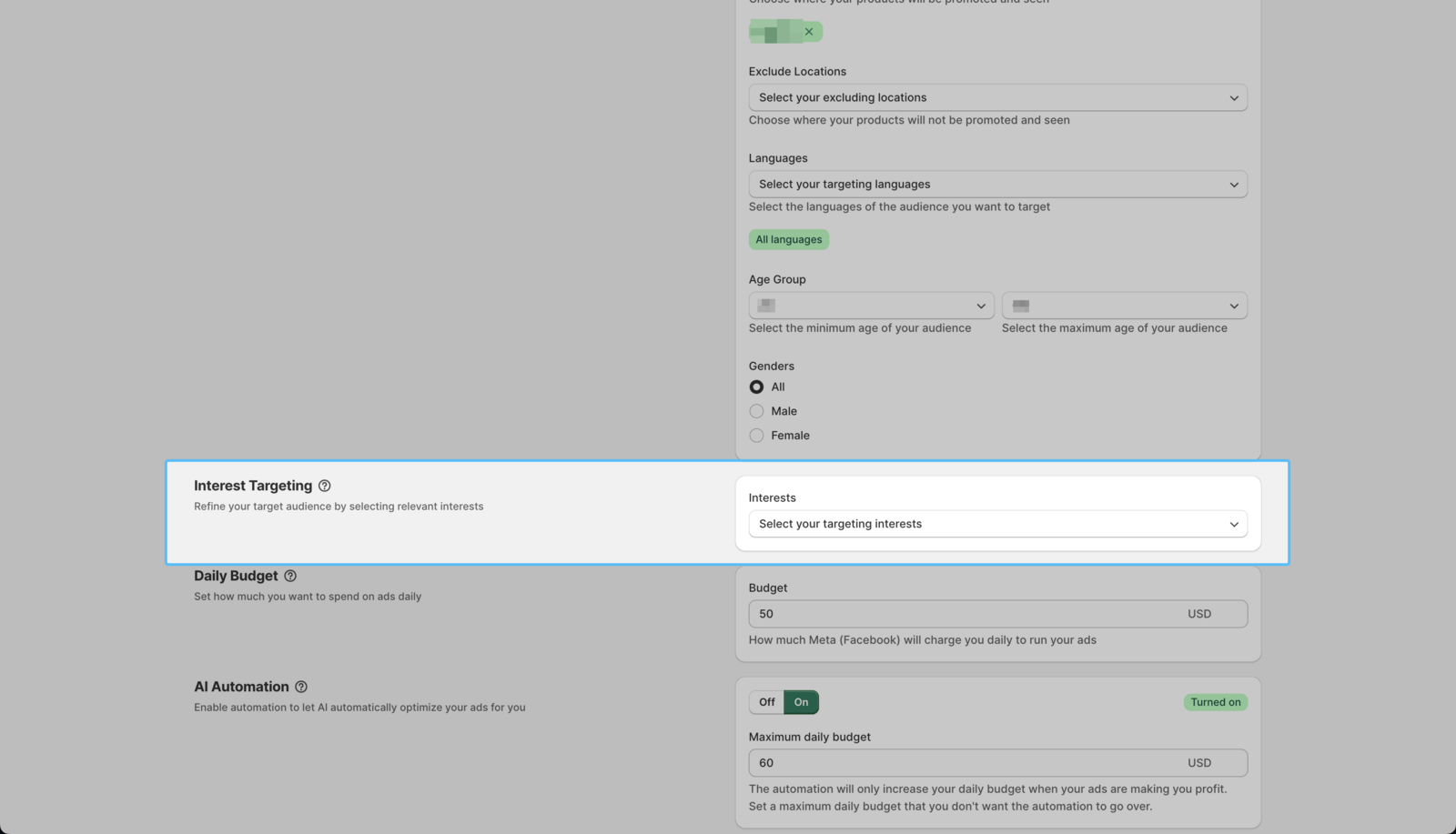
| If you have no idea what interests to select, you can consult this free crash course to help you find the best interests for your niche: Facebook & Instagram Ads 101.
- Click on Edit Ads.
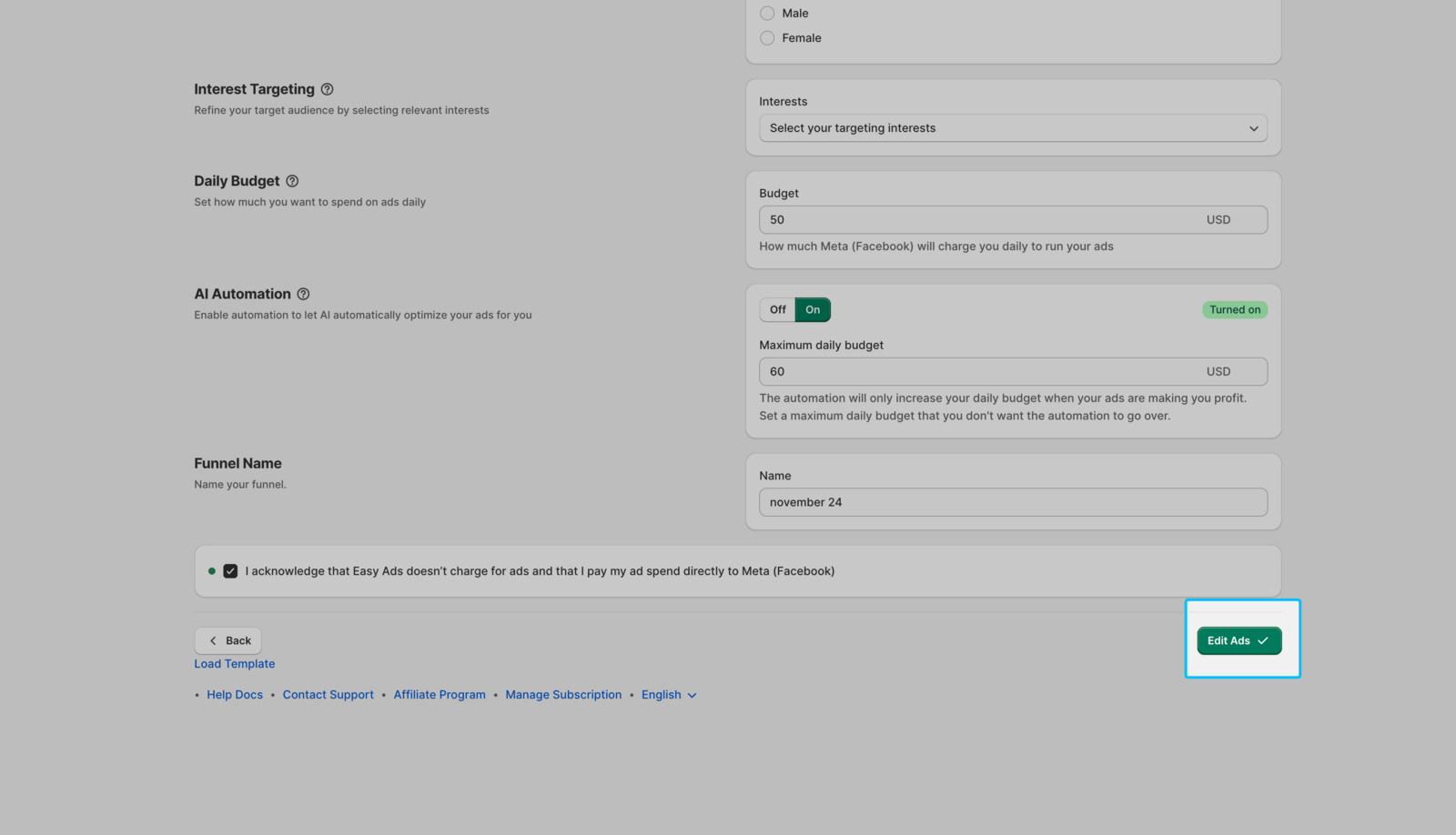
Once you make any of the edits above, your ads will go into review again. Then, The app will use the audience you chose to find the right customer for each product you sell.