You've successfully launched your funnel using Easy Ads for Facebook, but now you want to change the products you selected. How do you do that?
To change the products you selected, please follow the steps below:
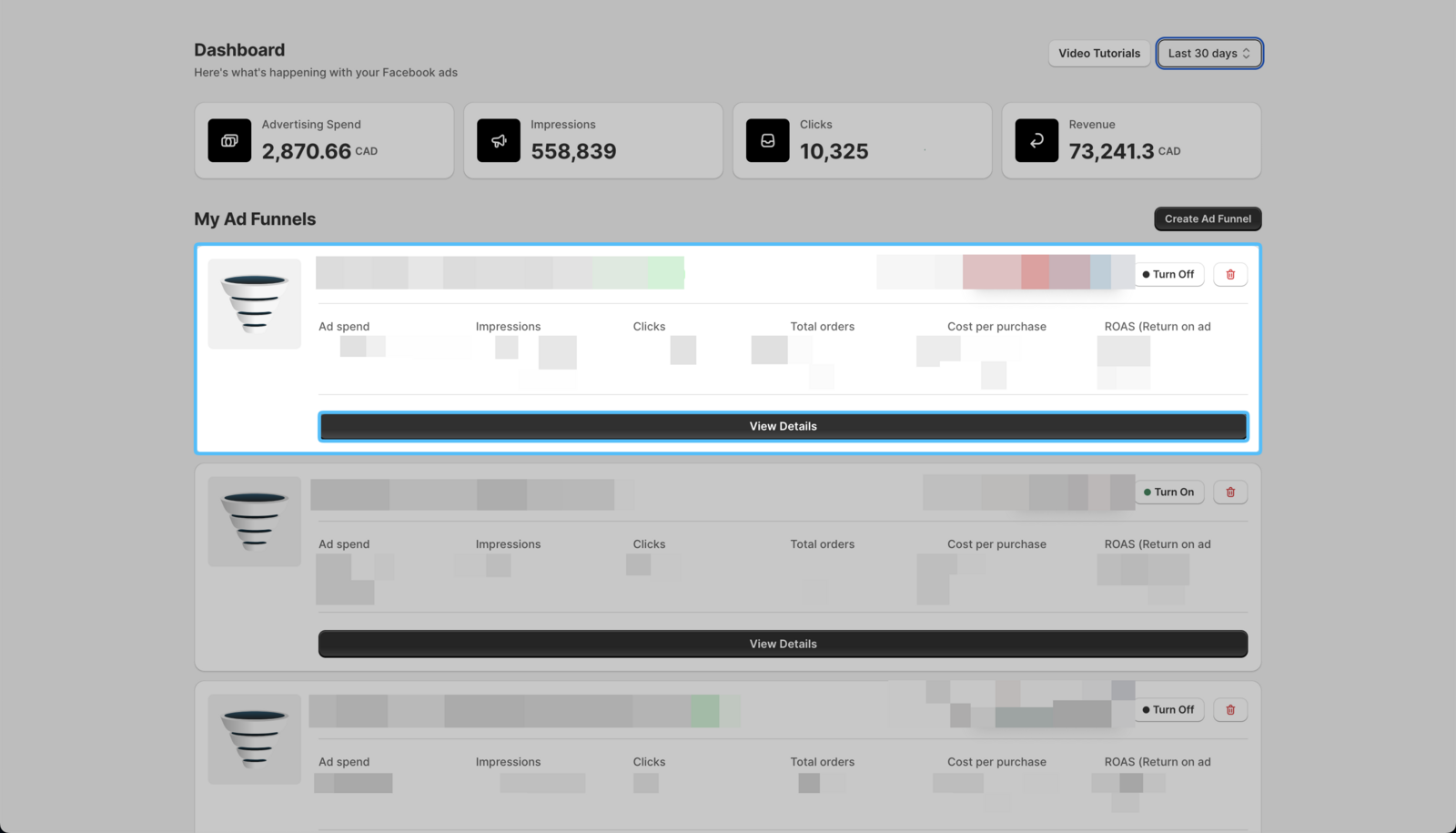
- On your Easy Ads for Facebook dashboard, locate the campaign you want to edit, and click View Details.
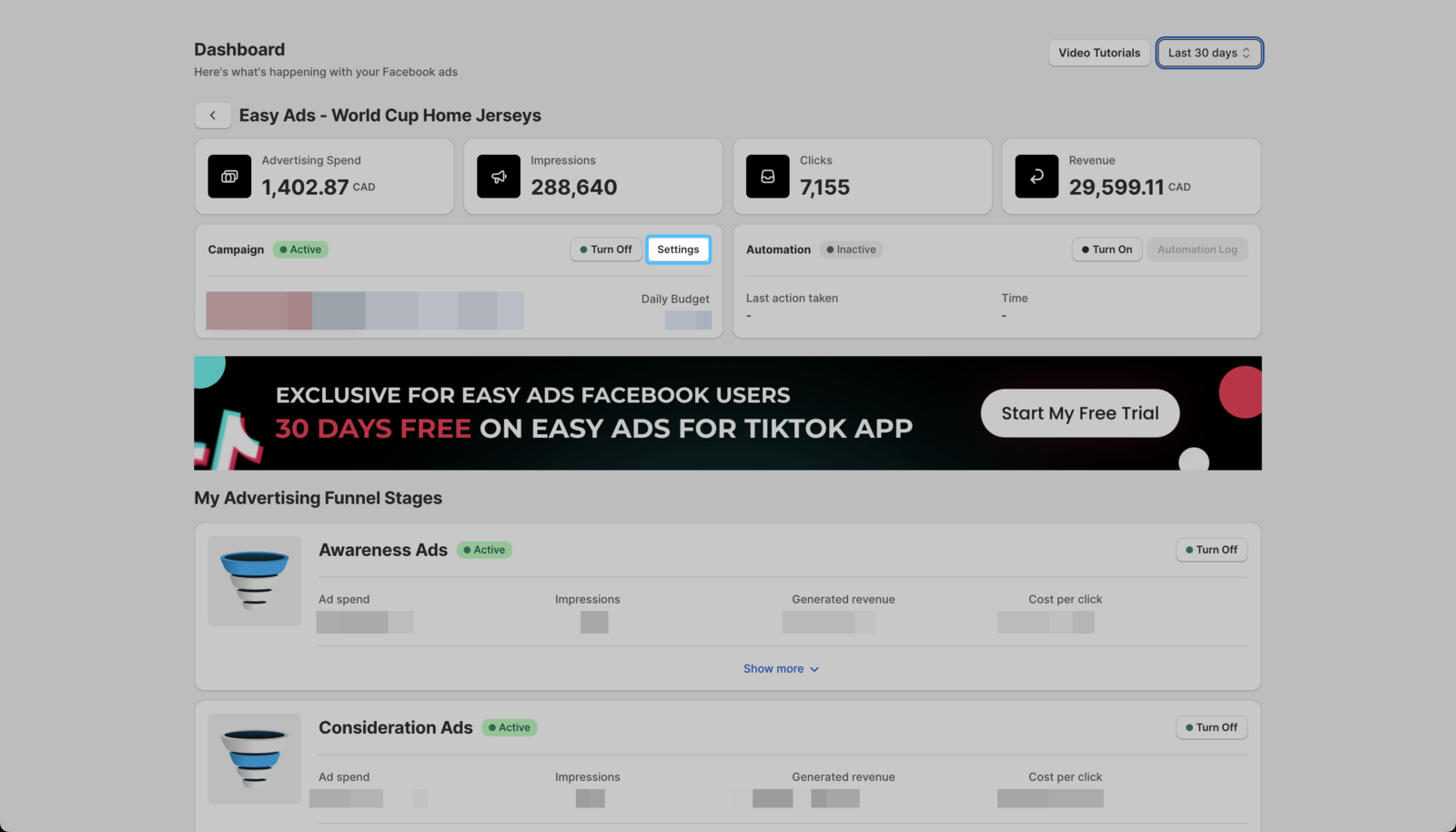
 2. Click Settings.
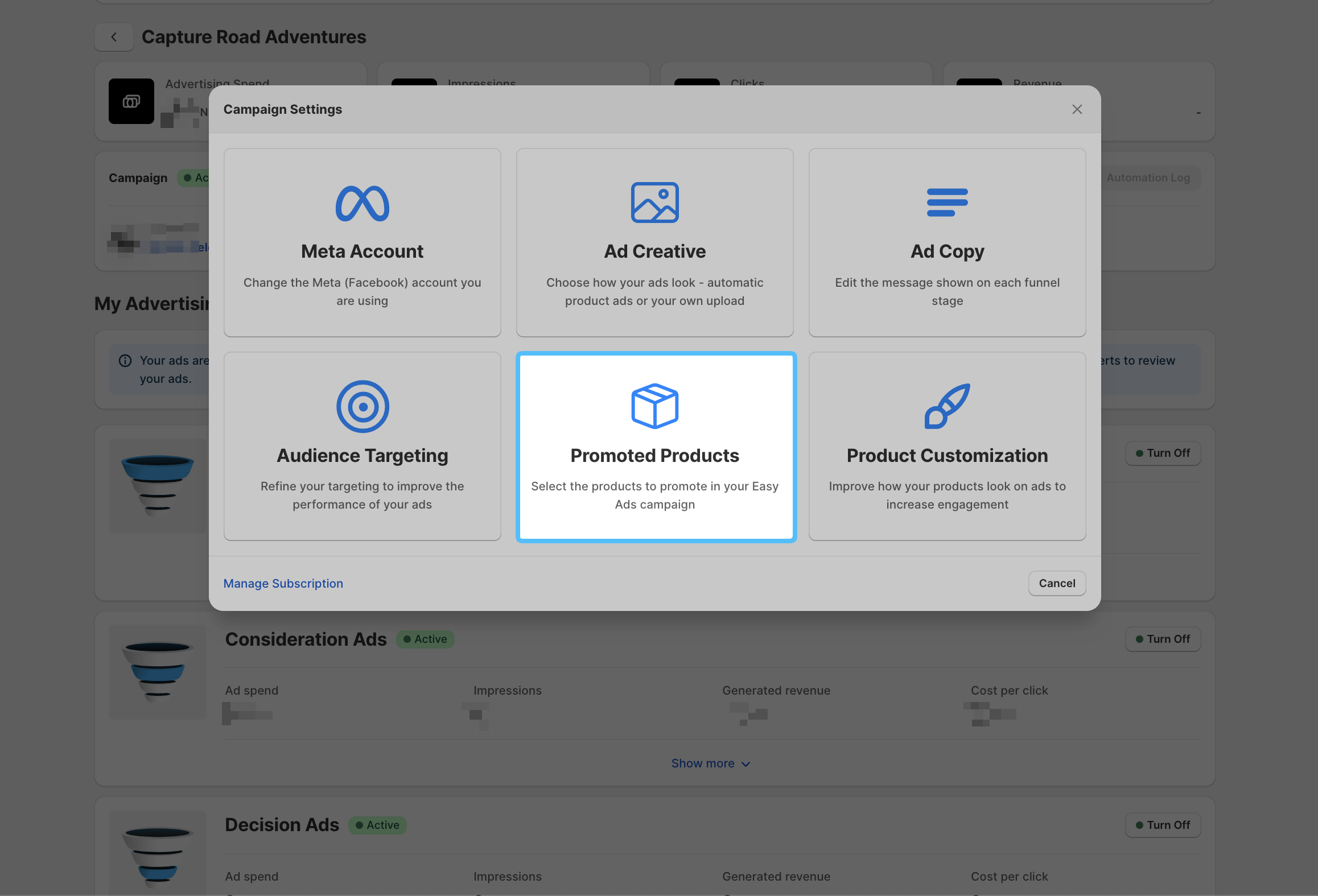
 3. Click Promoted Products.
- Click on the first dropdown menu to view all the available options.
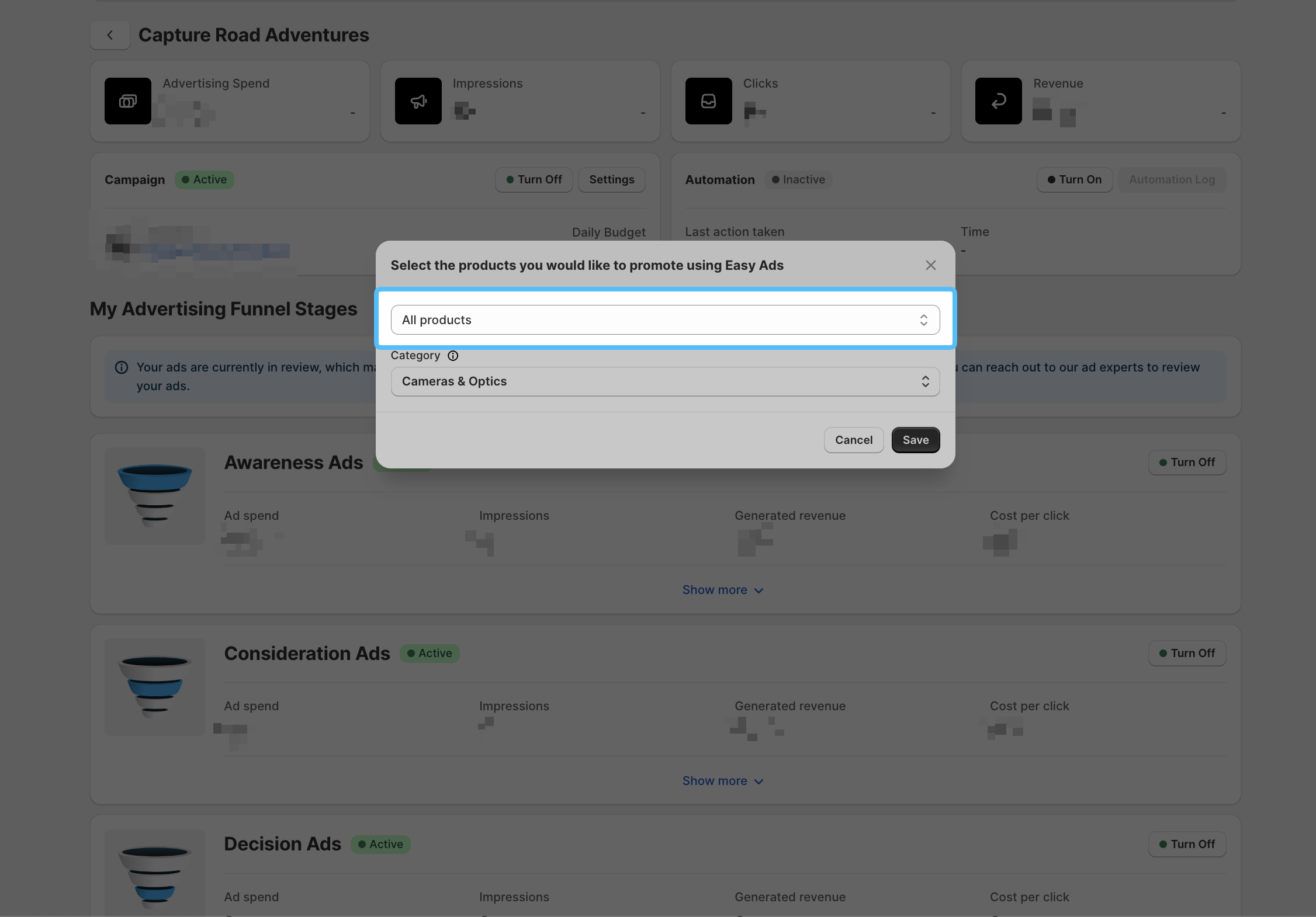
- Select the options that suit your needs.
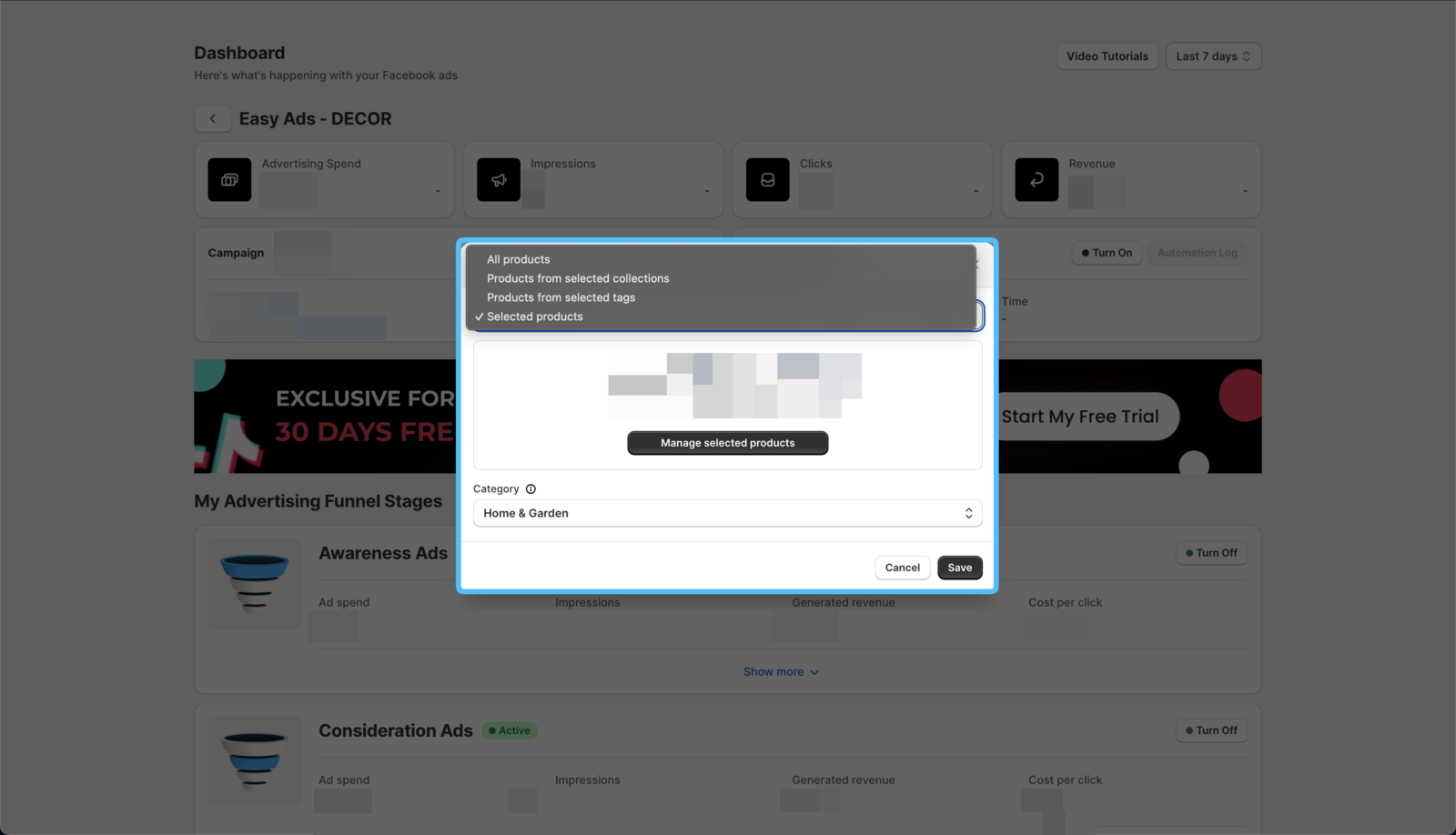
After selecting your new products, you need to add a Defaullt Product Category. It is a required step to submit your products to Meta, and it also helps in enhancing your audience targeting.
You can learn which option to select here: How Do I Select Products to Promote?
- Click on the Save button.
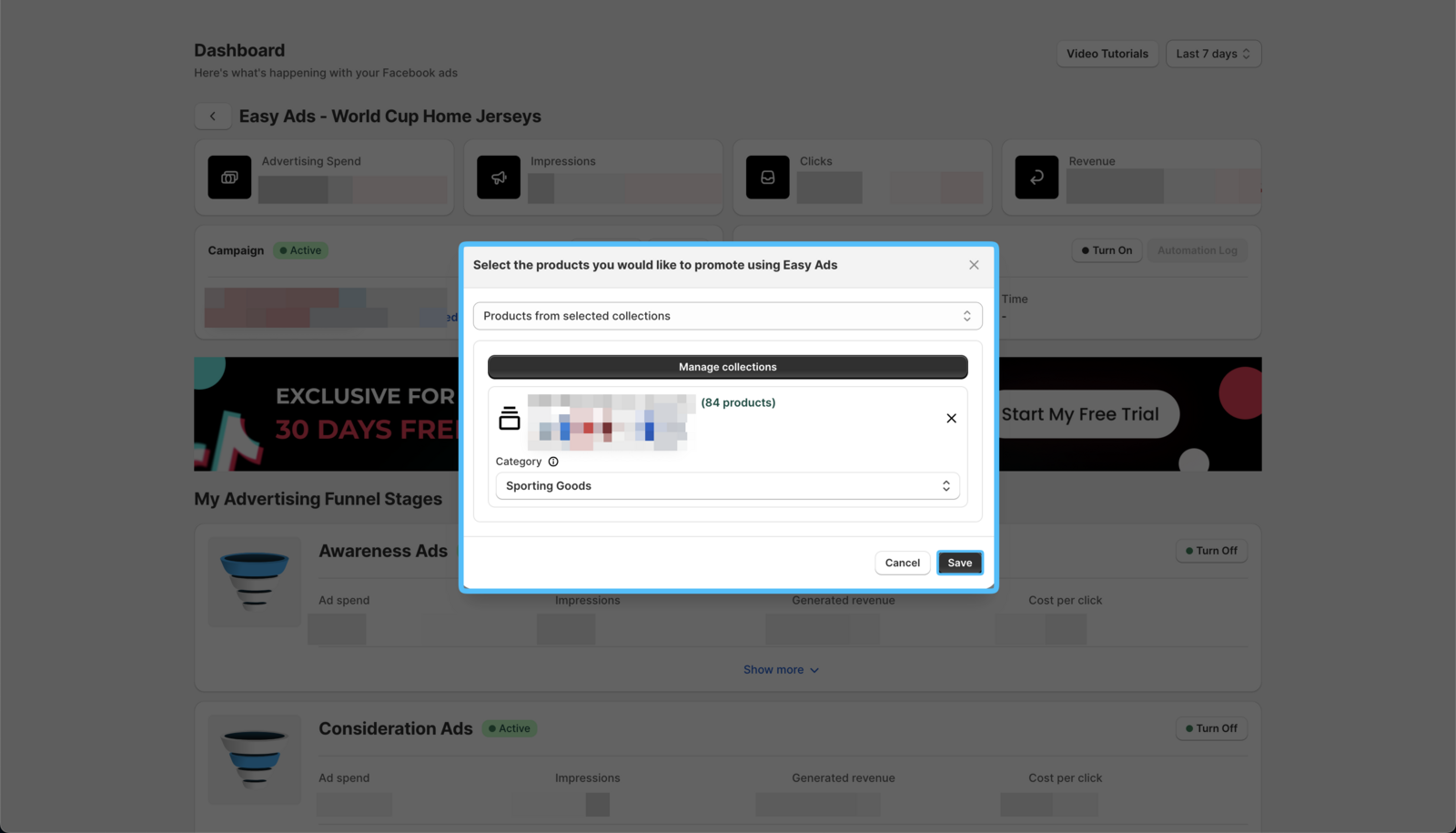
Now the products selected in your campaign will be updated in the next daily product feed update.