In some cases, you may need to delete your campaign. Here is how you can do that in Easy Ads:
- Open the Easy Ads app.
- Locate the campaign you want to delete.
- Click on the delete icon.
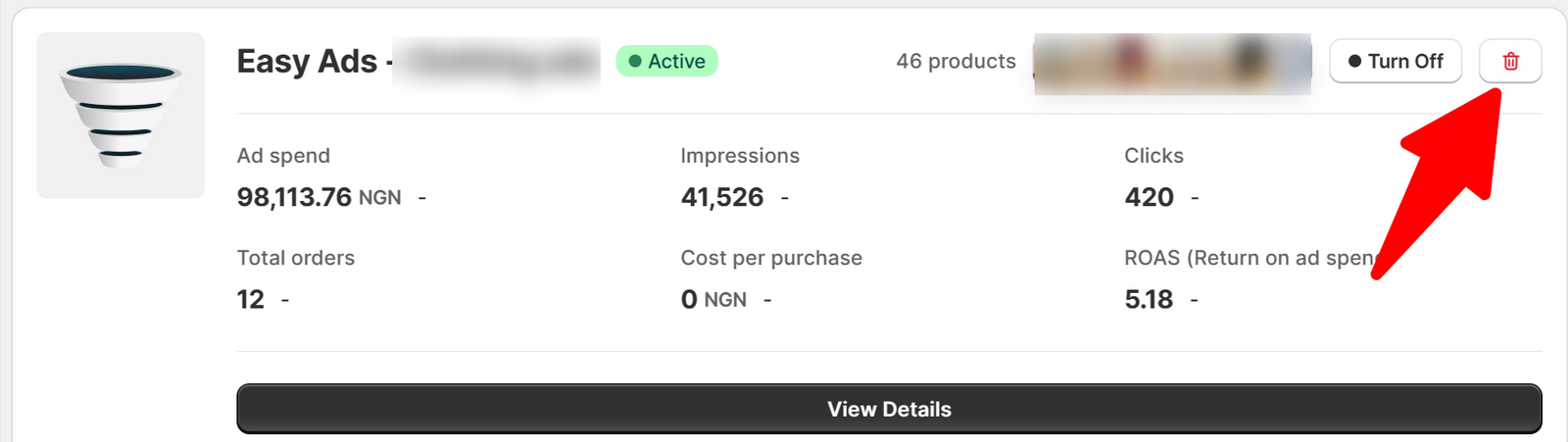
Please be aware that this action is irreversible.
In some cases, you may need to delete your campaign. Here is how you can do that in Easy Ads:
Please be aware that this action is irreversible.