How to install the Easy Ads for Facebook Ads app on your Shopify store
Here's how you can install the Easy Ads for Facebook Ads app on your Shopify store:
-
Log in to the Shopify App Store.
-
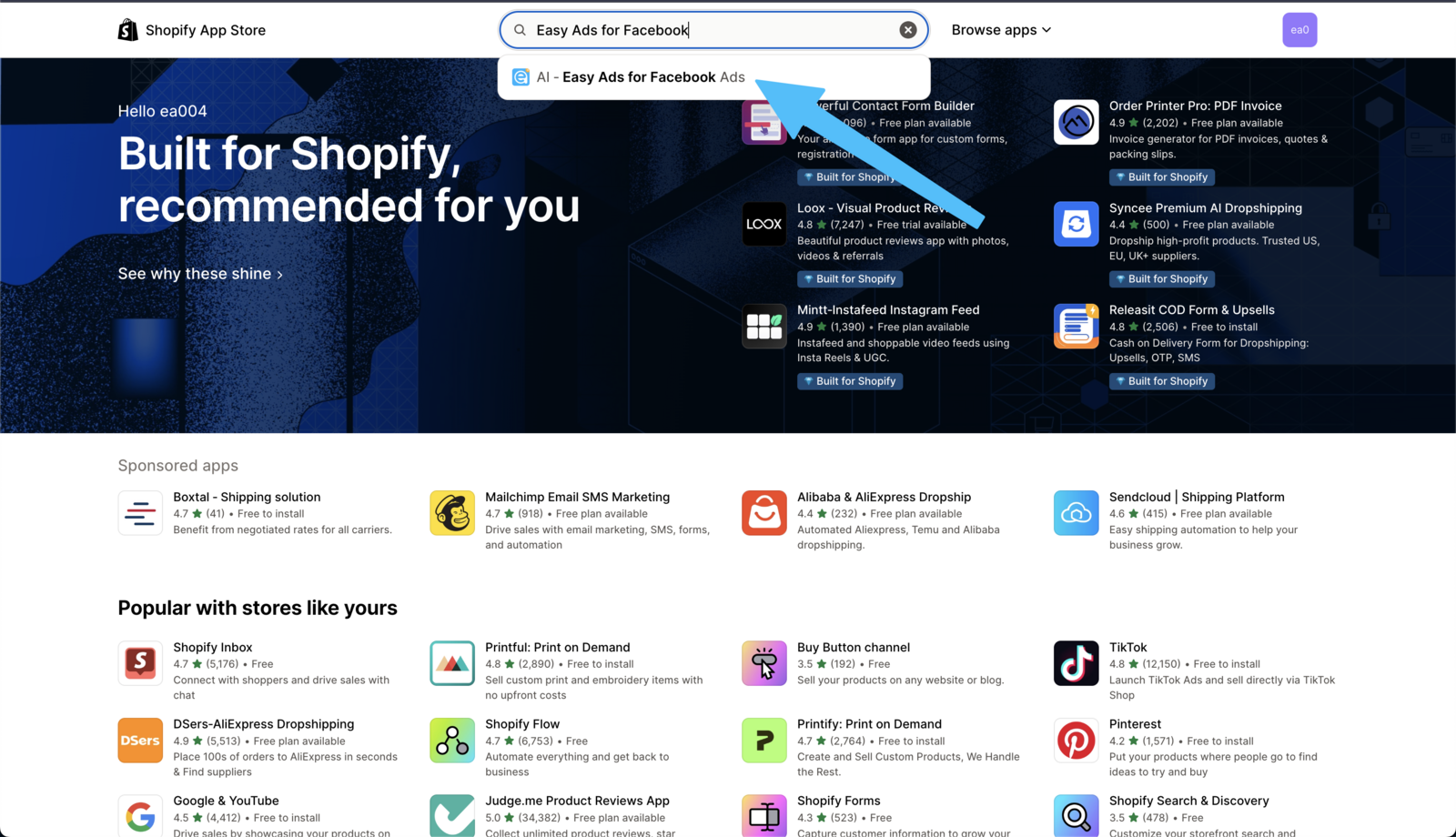
In the search bar, type “Easy Ads for Facebook Ads”.
-
Click on the app icon to access the app’s listing.
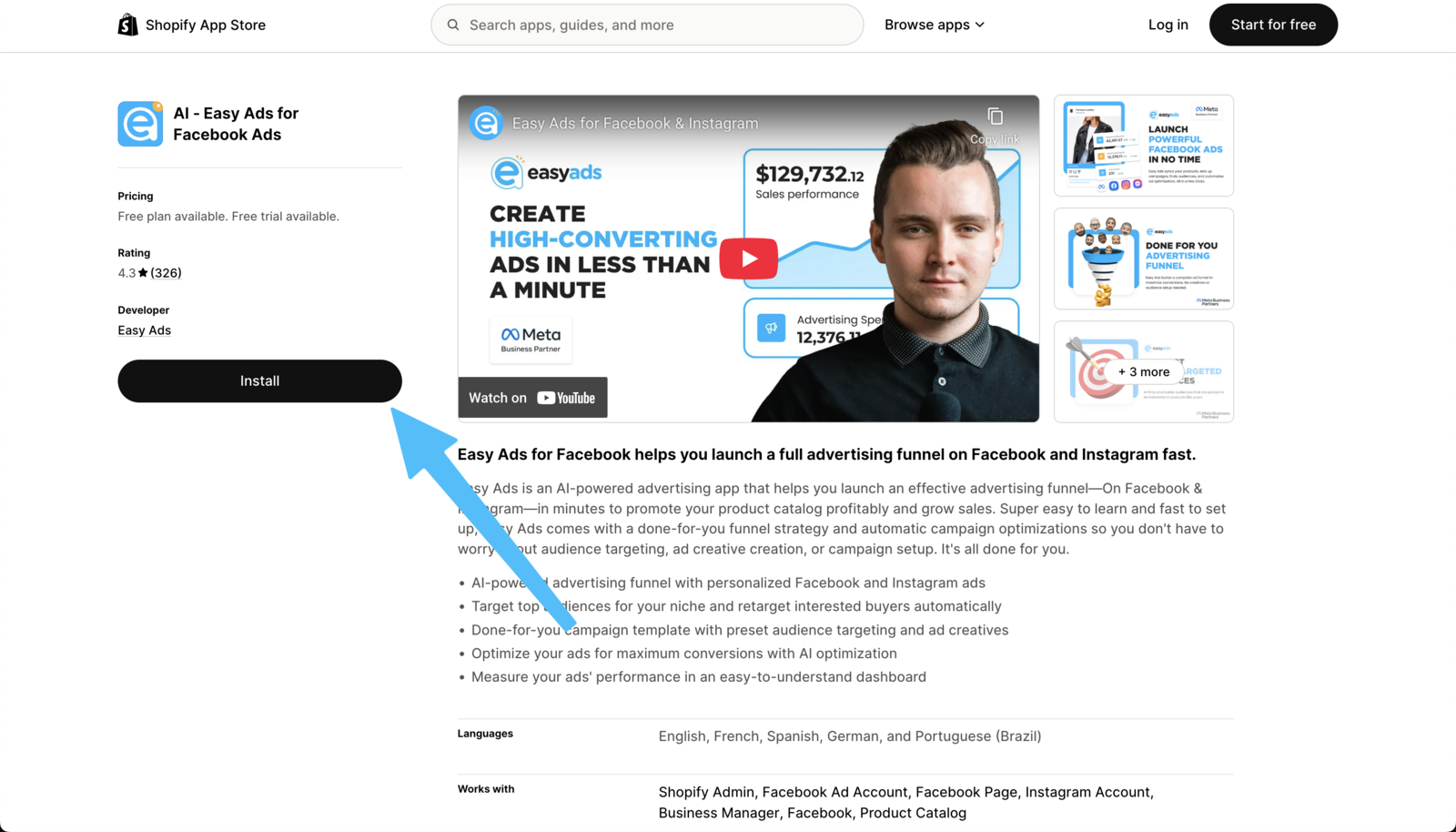
- Click on the Install button on the app listing page.
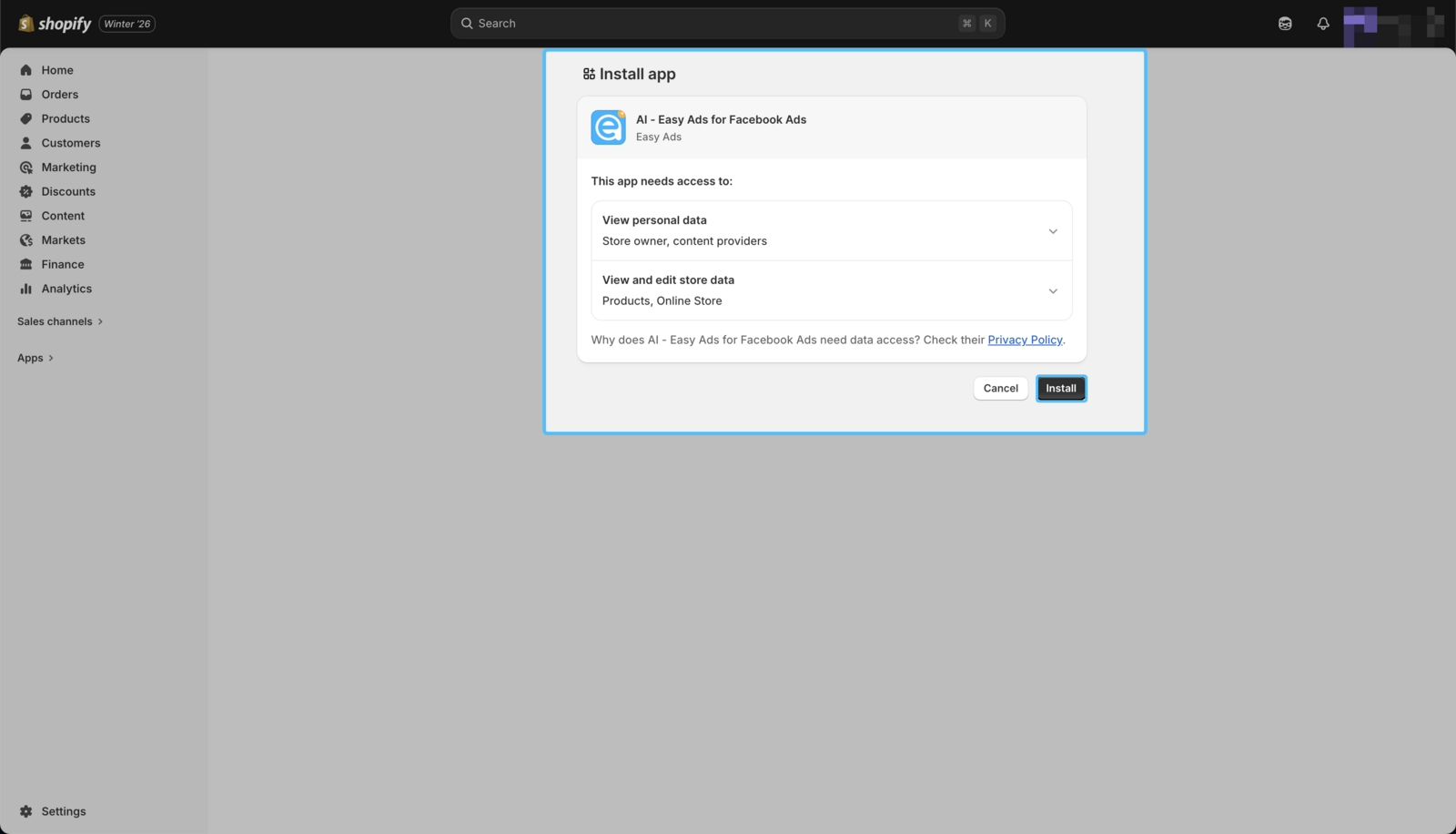
- In your Shopify admin, to authorize the use of the app, click on the Install button.
That's it! The Easy Ads for Facebook Ads app is now successfully installed on your Shopify store 🎉
How to open the Easy Ads for Facebook Ads app on your Shopify store
To open the Easy Ads for Facebook Ads app, click on Apps from the Shopify admin sidebar.
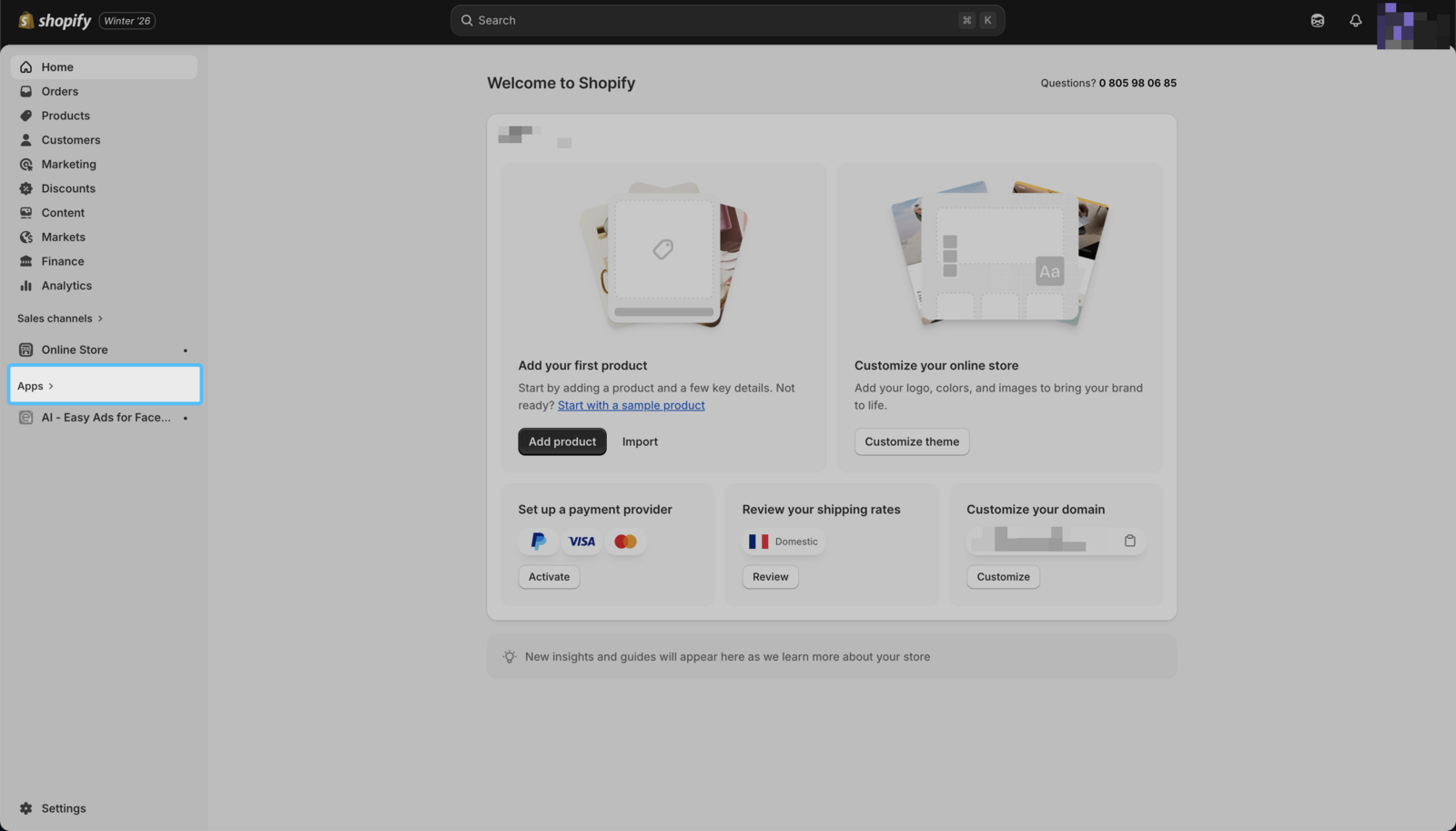
The search bar will highlight installed apps, find Easy Ads for Facebook Ads and click on it. This will open the app inside your Shopify admin.
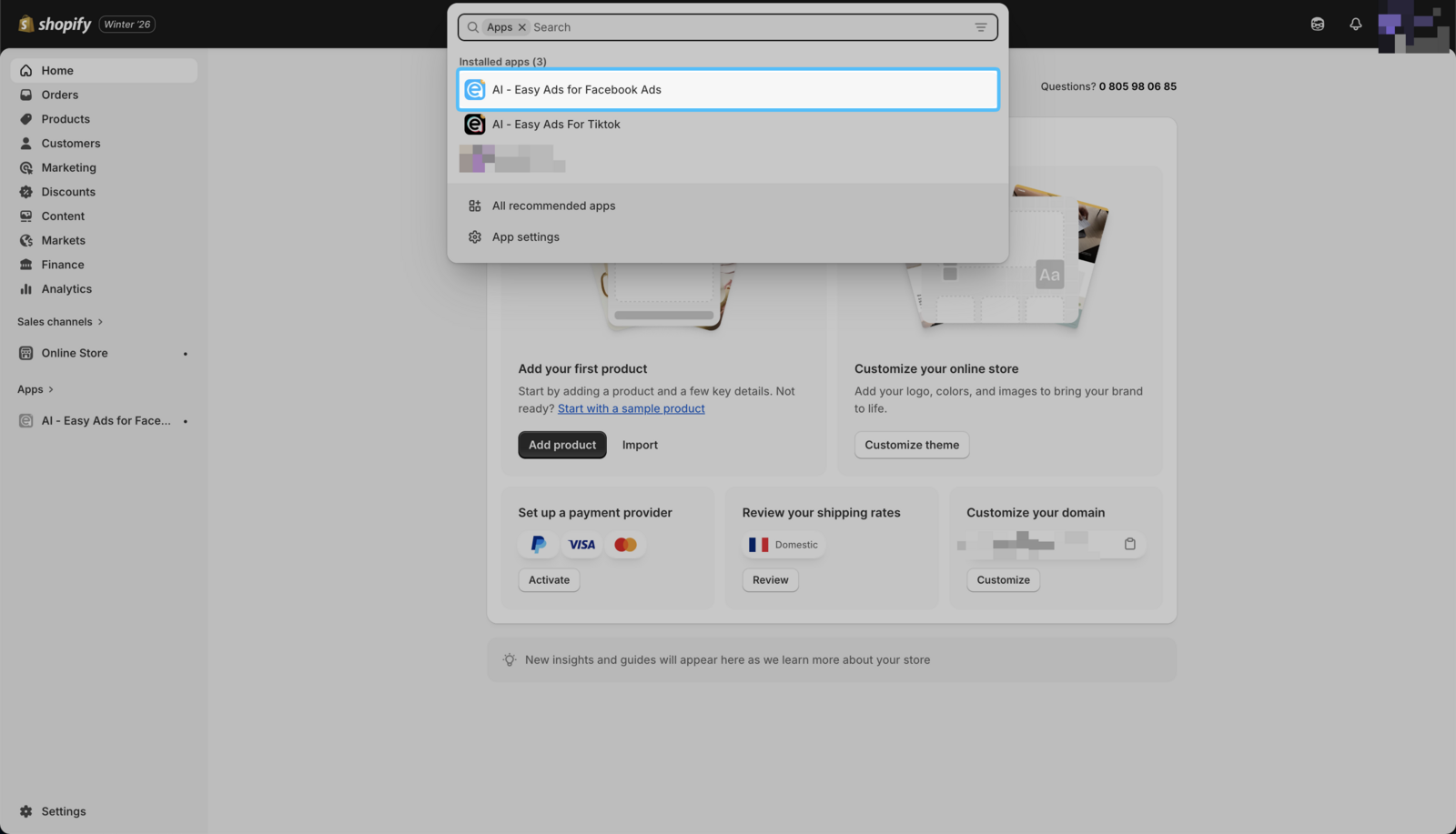
| Tip: Pin the Easy Ads for Facebook Ads on the sidebar to access it easily the next time.
You can also log in to the app via our website by clicking on the "Log-in" button on this page and entering your "myshopify" domain.